

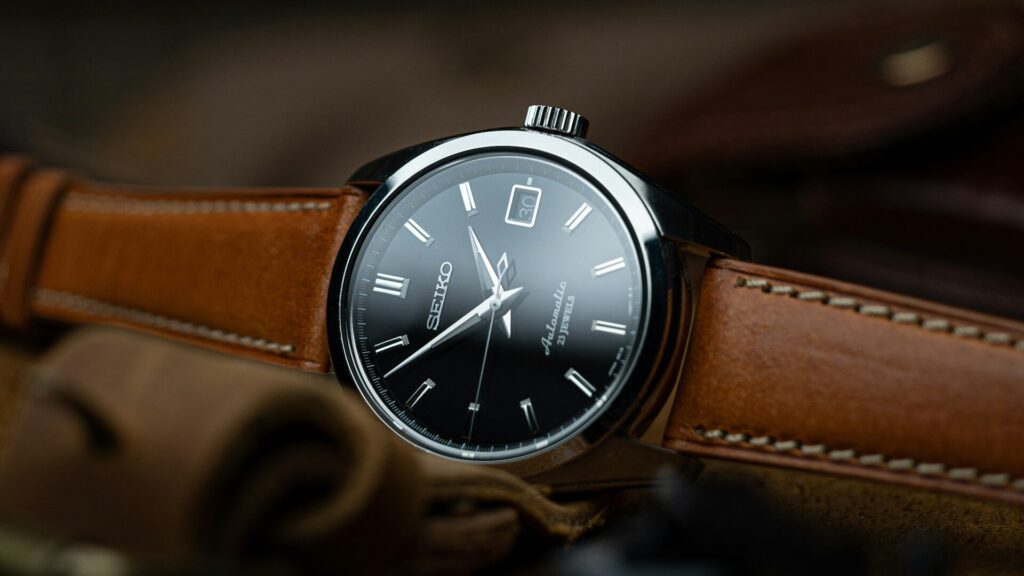
To swap watch bands without damage, first identify the attachment type: slide-in channels on Apple Watch, quick-release pins on many Galaxy, Garmin and Amazfit watches, or standard spring bars on some traditional-style smartwatches. Use the release button or the small lever on quick-release pins, work on a soft cloth over a table, and use a plastic or spring bar tool rather than a knife or screwdriver for standard pins.
Attachment Types
| Type | Common On | How to Release |
|---|---|---|
| Slide-in channel | Apple Watch, Pixel Watch (proprietary lugs) | Press the release button, slide the band out |
| Quick-release pins | Galaxy Watch, many Garmin and Amazfit | Pull the small lever on the pin |
| Proprietary quick-fit | Some Garmin and Fitbit models | Press or flip the latch |
| Standard spring bars | Some hybrid and classic-style watches | Compress the bar with a spring bar tool |
Step-by-Step
- Lay a soft cloth on the table and place the watch face down.
- Find the release button, lever or pin end.
- Release one side at a time while gently pulling the band away from the case.
- Line up the new band and slide or click it in until you hear or feel it lock.
- Tug firmly on each side to confirm it is secure.
Check the Size Before Buying
Bands are sized by lug width or case size, such as 20mm or 22mm for quick-release models and case size groups for Apple Watch. Measure the old band or check the watch specs. A wrong size may click in loosely or not at all. Also check wrist length, since many bands come in small and large. Our smartwatch size guide helps with fit.
Avoiding Scratches and Broken Pins
- Never pry with metal knives or screwdrivers near the case.
- Use the spring bar tool’s forked end gently and keep pressure toward the band, not the case.
- Do not force a slide-in band; if it sticks, check that it is facing the right way.
- Replace bent or weak pins rather than reusing them.
Choose the Right Band for the Job
Swapping bands is the easiest way to match a watch to the day. Silicone for workouts and swimming, nylon loops for comfort, leather or metal for the office. Care tips for each are in how to clean a silicone band, how to clean a nylon loop and leather band care. If a band causes rashes, see how to prevent skin irritation.
Third-Party Bands
Third-party bands can be good, but quality varies. Look for clear sizing, sturdy connectors, smooth edges and materials listed plainly. Cheap connectors can loosen over time and let the watch drop, so check them every few weeks. If a connector feels loose, stop using that band for workouts or swimming.
Final Thoughts
Know your attachment type, work on a soft surface, release one side at a time and check each side after installing. The right tools and sizes keep band swaps quick and scratch-free.
FAQs
What size band does my smartwatch use?
Check the lug width or case size in the specs. Common sizes include 20mm and 22mm.
Can I use any 22mm band on my watch?
If your watch uses standard 22mm quick-release pins, usually yes.
Why will my new band not click in?
It may be the wrong size or facing the wrong way. Do not force it.
Write Your Review
No reviews yet. Be the first to share your experience!