
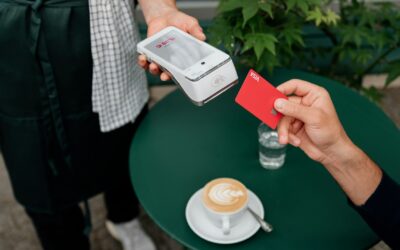
Apple Pay, Google Wallet, Samsung Wallet and Garmin Pay: Which Works Where
Every major watch brand has its own wallet. Here is which wallet runs on which watch and what to check with your bank.
We independently review everything we recommend. When you buy through our links, we may earn a commission. As an Amazon Associate we earn from qualifying purchases.
Every major watch brand has its own wallet. Here is which wallet runs on which watch and what to check with your bank.

Linking your watch to MyFitnessPal turns steps and workouts into calorie adjustments. Here is how to connect each brand and keep the numbers sensible.

Almost every watch can send workouts to Strava, but the path is different on each brand. Here is how to connect yours and fix the usual hiccups.

Before you switch wearable brands, take a copy of your history. Here is where to find the export option in the most popular apps and what to do with the files.
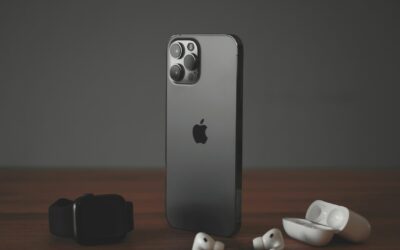
Some watches move with you from Android to iPhone, others do not. Here is what keeps working, what stays behind, and how to protect your health history during the switch.
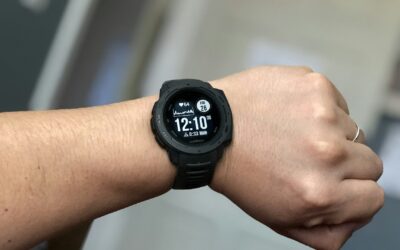
Garmin watches work with both iPhone and Android, and most features are identical. The differences show up in replies, notification controls and health syncing.
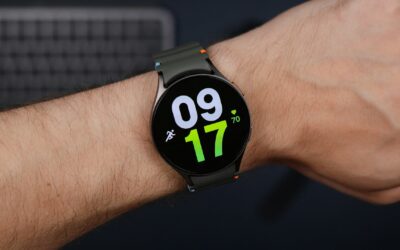
Current Galaxy Watch models need an Android phone. Here is why, what that means for older models, and which watches work well if you use an iPhone.
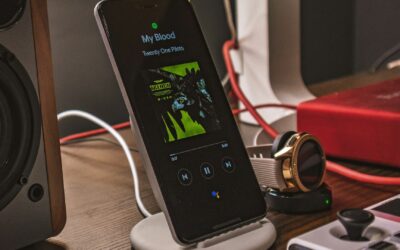
Your Pixel Watch leans on two phone apps. One manages the watch, the other holds your health and fitness data. Here is how they split the work each day.
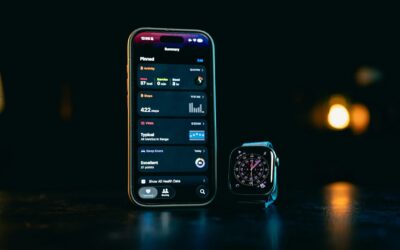
Fitbit moved from its own accounts to Google accounts. Here is what changed in the Fitbit app for sign-in, privacy, data export and daily use.
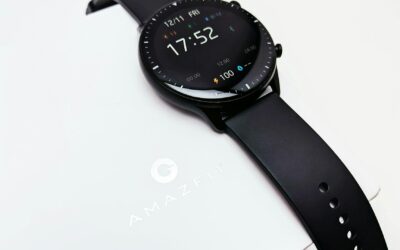
The Zepp app holds every step, workout and night of sleep from your Amazfit watch. Here is how it is organized and the features worth setting up first.
Sign up for exclusive discounts and deal alerts. No spam, unsubscribe anytime.