

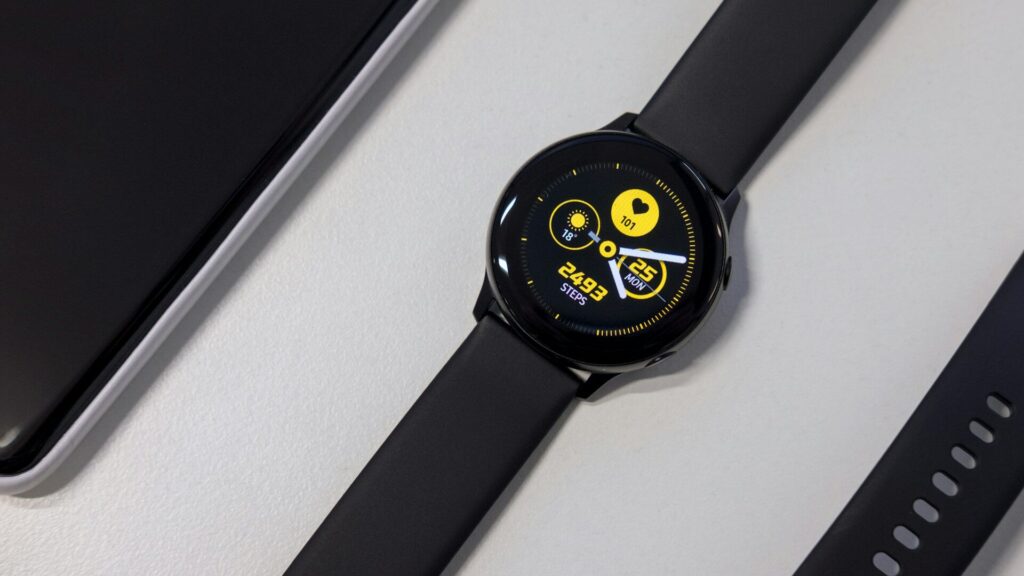
If your LTE smartwatch has no signal, start with the basics: confirm the cellular plan is active in the companion app, turn airplane mode off, restart the watch and phone, and check that you are in an area your carrier covers well. Many problems come from an inactive plan after a phone upgrade, outdated software or carrier settings that need a refresh. If those steps fail, removing and re-adding the plan often fixes it.
Know How the Watch Connects
When your phone is nearby, an LTE watch usually connects through it over Bluetooth or Wi-Fi and keeps its own cellular radio idle to save battery. It switches to cellular only when the phone is out of range. So a watch near your phone may show no cellular icon even when everything works. Our guide to cellular LTE smartwatches explained covers this behavior.
Quick Checks First
- Move away from your phone or turn its Bluetooth off for a moment.
- Make sure airplane mode and low power modes are off on the watch.
- Open the companion app and confirm the plan shows as active.
- Restart the watch, then restart the phone.
- Update the watch and phone software.
Common Causes and Fixes
| Cause | Sign | Fix |
|---|---|---|
| Plan not active | App says set up cellular | Activate or re-add the plan |
| New phone or reset watch | Plan missing after transfer | Transfer or re-add the plan in the app |
| Weak coverage | Works in town, not on trails | Check carrier coverage maps |
| Carrier settings outdated | Calls fail, data works poorly | Update carrier settings on the phone |
| Account issue | Plan removed by carrier | Contact the carrier with the watch model |
| Hardware fault | No signal anywhere after all fixes | Contact the maker for support |
Remove and Re-add the Plan
If the plan looks active but still fails, removing it and adding it back often clears stuck settings. In the companion app, open the cellular section, remove the plan, restart both devices and run the setup again. Some carriers need you to keep the plan on your account and only remove it from the watch, so ask first. Our step-by-step guide on setting up a cellular plan on your LTE smartwatch walks through the flow.
When Coverage Is the Real Limit
Watches have small antennas, so they often lose signal sooner than phones in buildings, valleys and rural areas. If you depend on your watch outdoors, look at your carrier’s coverage map before a trip. Some watches offer satellite emergency messaging when cellular is unavailable. Read satellite SOS on wearables and how to set up emergency SOS on your wearable.
Still Not Working?
If the watch fails everywhere after a plan reset, contact your carrier first, since account-side problems are common. If the carrier confirms all is well, contact the watch maker. For connection issues with the phone itself, see smartwatch won’t pair with your phone.
Final Thoughts
Most no-signal problems on LTE watches come from plan status, software or coverage, not broken hardware. Check from away from your phone, restart, update and re-add the plan before calling support.
FAQs
Why does my LTE watch show no signal near my phone?
It uses the phone connection when nearby. Cellular turns on when the phone is out of range.
Do I need to re-activate my watch plan with a new phone?
Often yes. Transfer or re-add it in the companion app.
Can an LTE watch get signal where my phone cannot?
Rarely. Watches usually have weaker antennas than phones.
Write Your Review
No reviews yet. Be the first to share your experience!