

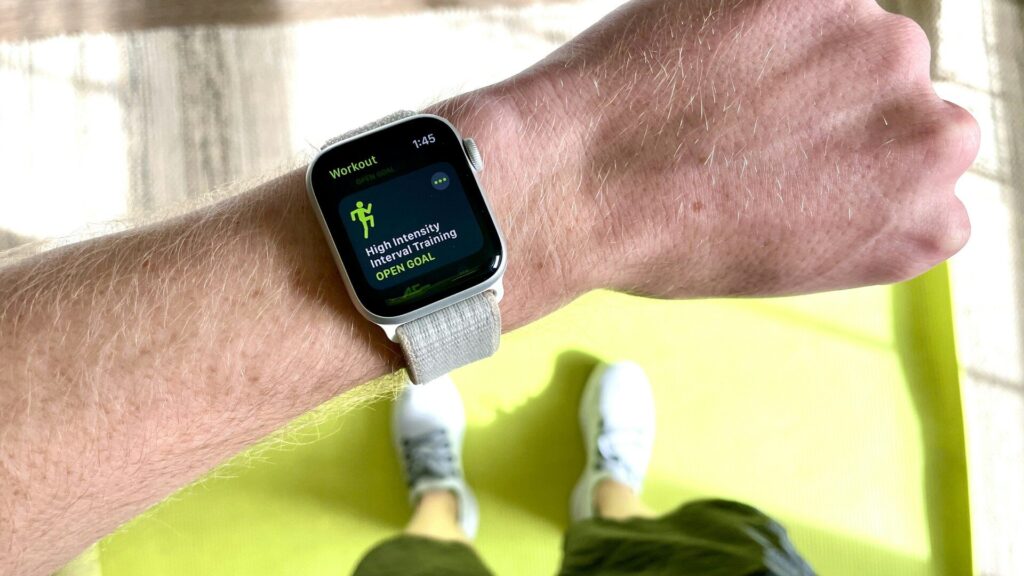
You finish a run, your watch says you burned 520 calories, and an online calculator says 410 for the same workout. It is confusing, but both are estimates built in different ways. Knowing how each works helps you decide which number to use for your goals.
How a Calories Burned Calculator Works
Most calculators use MET values, short for metabolic equivalent of task. Each activity has a MET number based on research averages. The formula is roughly MET times body weight in kilograms times hours. Running at a 10-minute mile pace is about 9.8 METs, so a 70 kg (154 lb) person running for 30 minutes burns about 343 calories by this method. Our calories burned calculator uses this approach.
How Your Watch Estimates Calories
Watches combine heart rate, movement, GPS speed and your profile: age, sex, height and weight. A higher heart rate for the same pace pushes the estimate up. Some watches also add your resting calories for the workout time, which can make the total look higher than a calculator that counts only activity calories.
Why the Numbers Differ
| Reason | Effect |
|---|---|
| Total vs active calories | Watch totals may include resting burn |
| Heart rate differences | A hot day or stress raises the watch estimate |
| Profile errors | An old weight in the app skews results |
| Activity averages | MET values cannot know your fitness or terrain |
| Sensor issues | A loose band can inflate heart rate readings |
Which Number Should You Trust?
Neither is exact. Studies of wrist wearables show calorie estimates can be off by 20 percent or more, while heart rate itself is usually more accurate. A sensible approach is to pick one source and use it consistently. Watch how your weight and energy respond over a few weeks, then adjust. For daily totals, our TDEE calculator gives a useful baseline.
How to Make Watch Estimates Better
- Keep weight, height and age current in the app.
- Wear the watch snug for steady heart rate.
- Choose the correct workout type.
- Set your max heart rate. See max heart rate formulas.
- Avoid counting the same workout twice in food apps. Read connecting your wearable to MyFitnessPal.
Final Thoughts
Your watch and a calories burned calculator disagree because they use different inputs: heart rate and motion versus research averages, and sometimes total versus active calories. Both are estimates. Pick one, keep your profile accurate and judge by trends over weeks rather than single workouts.
FAQs
Are smartwatch calorie counts accurate?
They are rough estimates, often off by 20 percent or more. Trends are more useful.
Why is my watch calorie count higher than a calculator?
It may include resting calories or a higher heart rate.
What is a MET?
A measure of activity intensity relative to rest. Sitting quietly is 1 MET.




Write Your Review
No reviews yet. Be the first to share your experience!