

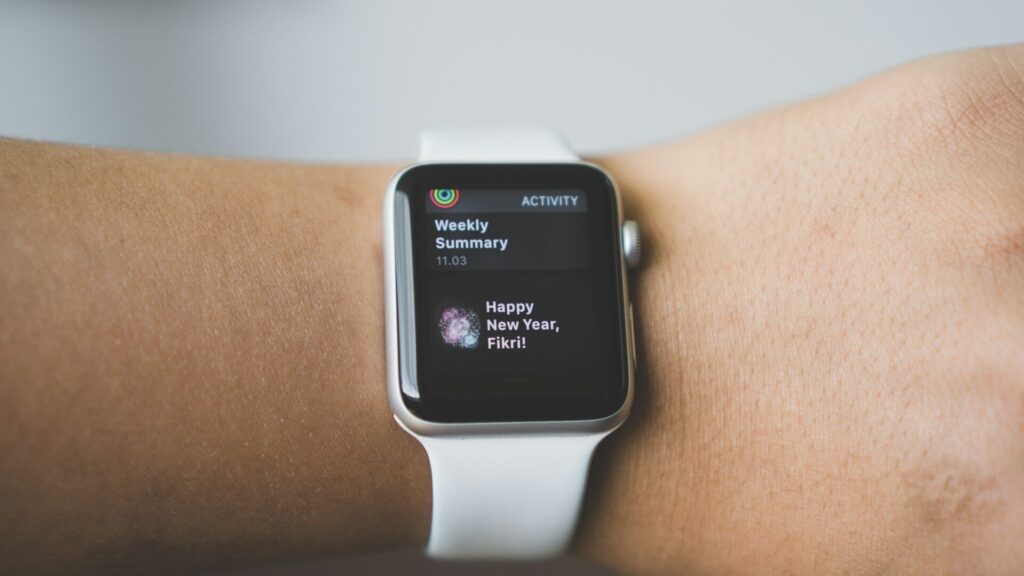
A voice assistant on a smartwatch lets you set timers, send quick replies, start workouts and control smart home devices without touching your phone. Which assistant you get depends on the watch: Apple Watch uses Siri, Pixel Watch and many Wear OS watches use Google’s assistant (now Gemini on newer models), Galaxy Watch offers Bixby or Google’s assistant, and some Amazfit and Garmin models support Alexa or a basic built-in assistant.
Which Assistant Runs on Which Watch
| Watch Platform | Main Assistant | Notes |
|---|---|---|
| Apple Watch | Siri | Raise to speak on many models, works with iPhone shortcuts |
| Google Pixel Watch | Google assistant or Gemini | Deep ties to Google apps and Google Home |
| Samsung Galaxy Watch | Bixby or Google’s assistant | Choose your default in the watch settings |
| Amazfit | Alexa on select models, offline voice commands | Alexa needs the phone connection |
| Garmin | Phone assistant on select models | Passes requests to the phone’s assistant |
Not sure which platform fits your phone? Start with Android or iPhone: how to choose a smartwatch.
What Voice Assistants Do Well on the Wrist
- Setting timers, alarms and reminders while your hands are busy.
- Dictating short text replies.
- Starting a workout or a stopwatch.
- Turning on lights or adjusting a thermostat through a smart home app.
- Quick facts like the weather or a unit conversion.
Where They Fall Short
Most watch assistants rely on a phone or internet connection. Without it, many requests fail or only basic offline commands work. Longer questions and anything needing a screen are easier on the phone. Background noise, a covered microphone and strong wind can also trip them up. Cellular watches can handle more on their own; see GPS vs LTE smartwatches.
How to Set It Up
- Open the watch companion app on your phone and find the assistant or voice settings.
- Pick your preferred assistant if the watch offers more than one.
- Choose how to wake it: a button press, a wake phrase or raise to speak.
- Grant microphone and contacts permissions so it can send messages.
- Link smart home accounts in the assistant’s own app.
New to the watch? Our setup guides for Apple Watch and Galaxy Watch cover the first steps.
Handy Voice Commands to Try
- “Set a timer for 20 minutes” while cooking or stretching.
- “Start an outdoor walk” to begin a workout without tapping through menus.
- “Remind me to call Mom when I get home” for a location-based reminder on supported watches.
- “Turn off the living room lights” if your smart home app is linked.
- “Reply I am on my way” to a message that just came in.
Exact wording varies by assistant, but short, direct commands work best on every platform. If a command fails, try it once on the phone to confirm the account link works.
Battery and Privacy Tips
An always-listening wake phrase uses a little extra battery. If battery life matters more, switch to button activation. Review the assistant’s privacy settings in the phone app, where you can manage saved voice history. More ways to stretch battery are in 10 smartwatch settings that improve battery life.
Final Thoughts
Your watch platform decides your assistant: Siri on Apple Watch, Google’s assistant on Pixel and many Wear OS watches, Bixby or Google on Galaxy, and Alexa on some Amazfit models. Use it for timers, quick replies and smart home control, and keep the phone nearby for anything bigger.
FAQs
Can I use Alexa on an Apple Watch?
Not as the built-in assistant. Apple Watch uses Siri; some third-party apps offer limited Alexa access.
Do smartwatch voice assistants work without a phone?
Mostly only on cellular or Wi-Fi connected watches. Otherwise expect basic offline commands at best.
Which smartwatch assistant is best for smart home control?
The one that matches your smart home app. Google Home users lean Google, Apple Home users lean Siri.

Write Your Review
No reviews yet. Be the first to share your experience!