

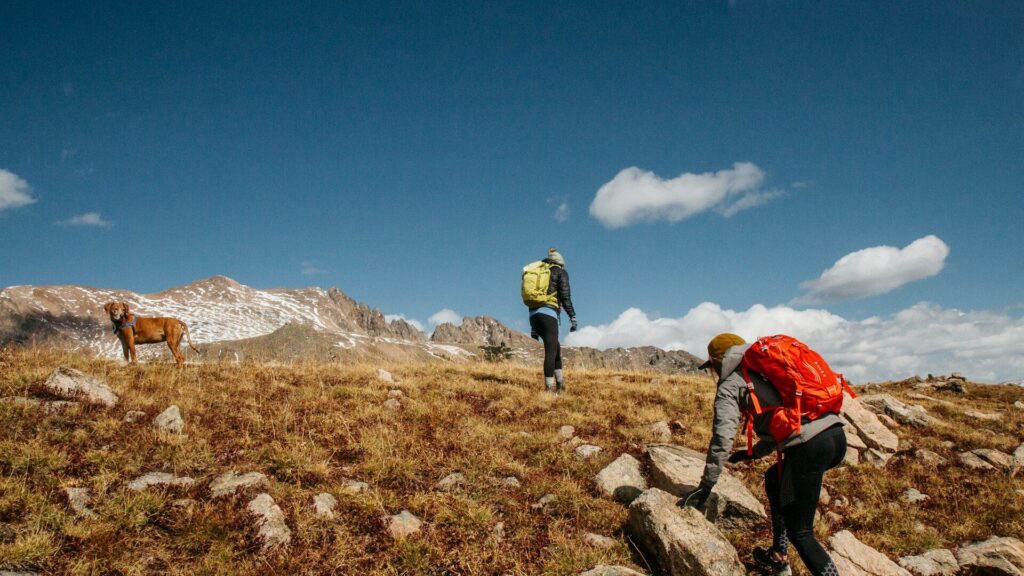
A barometric altimeter is a tiny air pressure sensor inside many smartwatches and fitness trackers. Air pressure drops as you go higher, so the watch turns pressure changes into elevation changes. That is how it counts floors climbed, tracks hills on a run and shows total ascent on a hike. Because weather also changes air pressure, readings can drift, so many watches blend the barometer with GPS or let you calibrate to a known elevation.
How Air Pressure Becomes Elevation
At sea level, the air above you is heavier, so pressure is higher. As you climb, there is less air above you and pressure falls in a predictable way. The sensor measures these small changes many times per minute. Climbing one flight of stairs, roughly 10 feet, creates a pressure change large enough for the watch to notice. Your watch then adds up climbs and descents to estimate floors, ascent and descent.
Barometer vs GPS Elevation
| Method | Strengths | Weaknesses |
|---|---|---|
| Barometric altimeter | Very sensitive to small climbs, works indoors | Drifts with weather changes |
| GPS elevation | No weather drift | Less precise for small changes, needs sky view |
| Map or DEM correction | Matches known terrain after the activity | Applied in the app, not live on the watch |
| Combined (barometer plus GPS) | Good balance for most activities | Depends on the brand’s software |
For more on GPS accuracy, see dual-band GPS on smartwatches explained.
Why Your Readings Sometimes Look Off
- Weather fronts: a storm rolling in lowers pressure, which can look like you climbed.
- Blocked sensor port: dirt, sweat or lotion over the tiny opening can distort readings.
- Water: after swimming or a shower, trapped water can confuse the sensor for a while.
- Elevators and cars: some watches count rides as climbs, while others filter them out by checking your steps.
- Air conditioning and pressurized cabins: sudden indoor pressure shifts can add small errors.
How to Calibrate for Better Accuracy
- Find a known elevation, such as a trailhead sign, a summit marker or a map app.
- Open the altimeter or sensor settings on your watch.
- Choose manual calibration and enter the known elevation, or enable auto calibration with GPS if offered.
- Recalibrate at the start of long hikes or when the weather is changing.
- Rinse and dry the watch after sweaty sessions so the sensor port stays clear.
Keeping sensors clean matters for accuracy. Our guide to cleaning your smartwatch without damaging the sensors shows how.
Features That Use the Altimeter
Besides floors climbed, the barometer powers storm alerts on some outdoor watches, ascent and descent totals, climb guidance on hills and more accurate calorie estimates on uphill efforts. Hikers often pair it with offline maps. See how to load offline maps on your watch and how to calibrate your smartwatch GPS.
Final Thoughts
A barometric altimeter makes your watch sensitive enough to notice a single flight of stairs. Weather can push readings off, so calibrate at known elevations, keep the sensor port clean and let GPS help on long outdoor activities.
FAQs
Why does my watch count stairs I did not climb?
Weather pressure changes can look like climbing. Calibrating or rinsing the sensor port often helps.
Do all smartwatches have a barometric altimeter?
No. Many mid-range and outdoor watches do, but some budget models rely on GPS only.
Does a barometric altimeter work indoors?
Yes. It senses pressure changes on stairs even without GPS.

Write Your Review
No reviews yet. Be the first to share your experience!