

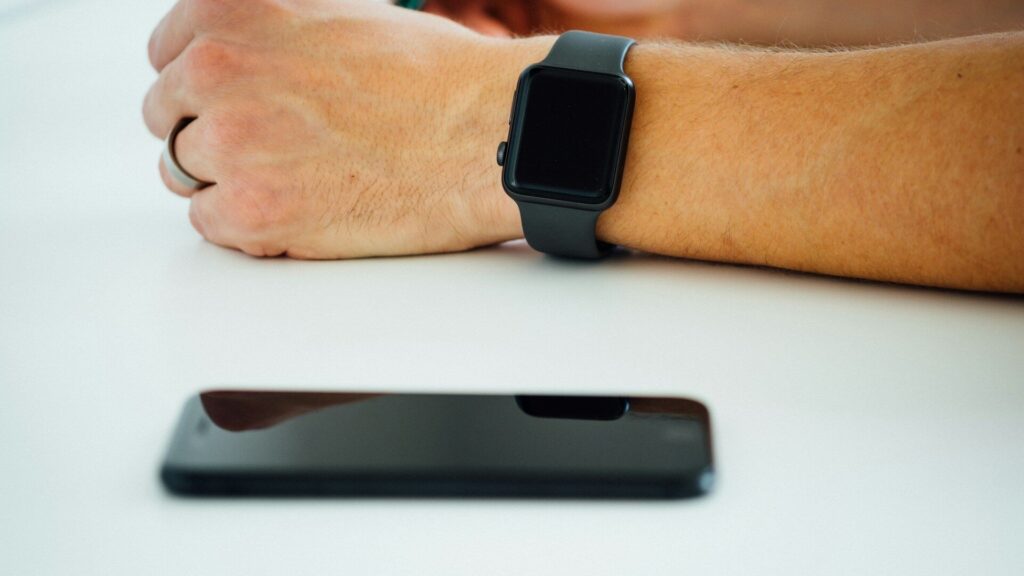
Most smartwatches can make your phone ring loudly, even on silent, with a tap on a find-my-phone button. On Apple Watch it lives in Control Center, on Galaxy and Pixel watches it is a tile or app, and many Garmin and Amazfit watches include it in the controls menu. Going the other way, you can find your phone’s paired watch from the companion app or the brand’s device finder, which can play a sound or show the last known location.
Find Your Phone from Your Watch
| Watch | Where the Feature Is | Extra Tip |
|---|---|---|
| Apple Watch | Control Center, ping iPhone button | Press and hold to flash the iPhone light on many models |
| Samsung Galaxy Watch | Find My Phone tile or app | Works through Bluetooth or the internet |
| Google Pixel Watch | Find My Phone tile | Phone rings at full volume |
| Garmin | Controls menu, Find My Phone | Shows signal strength bars as you get closer |
| Amazfit and others | Shortcut or app list | Requires an active connection to the phone |
These features need the watch and phone to be connected. If they often drop, see Galaxy Watch keeps disconnecting or Apple Watch not syncing with iPhone.
Find Your Watch from Your Phone
- Open the companion app or your platform’s device finder.
- Choose the watch from your device list.
- Tap play sound if it is nearby and connected.
- Check the map for the last known location if it supports location.
- Mark it as lost if the platform offers it, which can lock the watch.
Set It Up Before You Need It
- Turn on the brand’s find-my-device service in phone settings.
- Allow location permissions for the companion app.
- Add the find-my-phone tile or shortcut to a spot you can reach quickly.
- Try the feature once so you know how loud it is and where it lives.
Smart Rings and Trackers
Many smart rings and fitness bands cannot ring a phone or play a sound themselves. Their apps may show the last time they synced, which can hint at where you left them. Keep them charged and synced often so the last location stays useful. Our smart ring buying guide covers which features to expect.
Other Helpful Tricks
- Voice assistant: ask your watch assistant to ring your phone on supported platforms. See voice assistants on wearables.
- Left-behind alerts: some platforms warn when you walk away from your phone or watch.
- Smart home speakers: some can ring your phone too.
Explore other time-savers in built-in Apple Watch apps most owners never open.
One more tip: give your phone a distinctive ringtone. When the watch rings it in a noisy home, a familiar sound is easier to track than a generic tone. If you often misplace keys or bags too, consider small Bluetooth trackers that show up in the same find-my-device app, so one place on your phone helps you find everything.
Final Thoughts
Your watch and phone can help find each other in seconds. Set up the find-my-device services now, add the shortcut to an easy spot and try it once. The next time the phone vanishes into the couch, one tap brings it back.
FAQs
Can my watch ring my phone on silent?
Yes, on most platforms. Find-my-phone usually overrides silent mode.
Does find my phone work without Bluetooth?
Some watches can use Wi-Fi or cellular. Most rely on a Bluetooth connection.
Can I find a smart ring if I lose it?
Usually only by its last sync time or location. Few rings can play a sound.
Write Your Review
No reviews yet. Be the first to share your experience!