

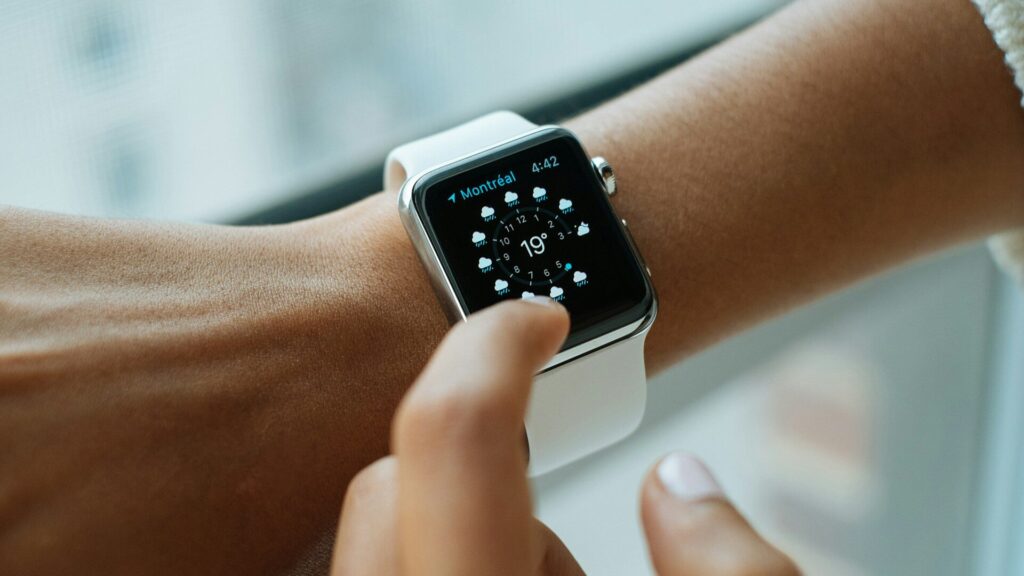
You unbox a new smartwatch, open the app, and the pairing screen spins forever. Or a watch that worked yesterday suddenly refuses to connect. When a smartwatch won’t pair, the cause is almost always on the phone side: a permission, an outdated app, or an old connection that never fully cleared.
Work through the fixes below in order. They start with the quickest checks and end with the reset you should try last.
Check Compatibility First
Some watches cannot pair with some phones at all, no matter what you try.
| Watch | Works With | Pairing App |
|---|---|---|
| Apple Watch | iPhone only | Watch app |
| Samsung Galaxy Watch | Android only | Galaxy Wearable |
| Google Pixel Watch | Android only | Pixel Watch app |
| Garmin | iPhone and Android | Garmin Connect |
| Amazfit | iPhone and Android | Zepp |
| Fitbit | iPhone and Android | Fitbit app |
Also confirm your phone runs the minimum iOS or Android version listed by the brand.
Quick Fixes to Try First
These solve most pairing problems in a few minutes.
- Turn Bluetooth off and on again on your phone.
- Keep the watch and phone within a foot of each other.
- Make sure the watch has at least 30% battery, or leave it on the charger.
- Pair through the brand’s app, not from the phone’s Bluetooth menu. Most watches must be added inside their own app.
- Turn off Airplane Mode and Low Power Mode on both devices.
App Permissions and Updates
Modern phones block background Bluetooth access unless you allow it. A missing permission causes endless searching.
On iPhone
- Open Settings, find the watch app, and allow Bluetooth access.
- Allow Background App Refresh for the app.
- Update iOS and the watch app from the App Store.
On Android
- Open the app’s permissions and allow Nearby devices and Location.
- Set battery usage for the app to Unrestricted so it is not put to sleep.
- Update the watch app and any companion apps from the Play Store.
Clear the Old Connection
If the watch was paired before, a stale record can block a fresh connection.
- In your phone’s Bluetooth settings, find the watch and choose Forget or Unpair.
- Remove the watch from inside the brand’s app as well.
- Restart both the phone and the watch.
- Open the app and start pairing again from the beginning.
Reset the Watch as a Last Resort
A factory reset erases the watch and starts setup from scratch. Try it only after the steps above, and sync first if you can so you keep recent data.
- Apple Watch: unpair it in the Watch app to keep a backup, or erase it from Settings, General, Reset on the watch.
- Galaxy and Pixel Watch: use the reset option in the watch settings, then pair again through the app.
- Garmin, Amazfit and Fitbit: use the reset option in the watch menu, then remove the old device from the app before pairing again.
Quick answer: if pairing still fails after a reset on a phone that meets the requirements, contact the brand’s support, since the watch may need service.
Brand-specific Pairing Tips
Each brand has one or two quirks that trip people up. Check the tip for your watch before moving on to a reset.
Apple Watch
Pairing happens only in the Watch app on iPhone. If the watch shows a language screen or an Activation Lock prompt, it was used before, and the previous owner must remove it from their Apple Account. Compare models in our Apple Watch section.
Samsung Galaxy Watch
Install Galaxy Wearable and let it download the watch plugin it asks for. On non-Samsung Android phones this plugin step is required, and pairing fails quietly without it. See the lineup in our Galaxy Watch section.
Google Pixel Watch
Use the Pixel Watch app and sign in with the same Google account you use on the phone. If a previous setup was interrupted, reset the watch before trying again.
Garmin
Add the watch from the Garmin Connect app under Devices, not from Bluetooth settings. On iPhone, if the watch appears in Bluetooth settings from an old pairing, choose Forget This Device first.
Amazfit and Fitbit
Amazfit pairs through the Zepp app, usually by scanning a code shown on the watch. Fitbit pairs through the Fitbit app, which now asks you to sign in with a Google account.
Final Thoughts
When a smartwatch won’t pair, work from the phone outward: compatibility, Bluetooth, app permissions, updates, then clear the old connection. Most people never need the reset step.
Once you are connected, set up the features you will use every day with our setup guides, and browse more fixes in the troubleshooting section. If you are shopping for a watch that fits your phone, start with our smart watches overview.
FAQs
Why won’t my smartwatch show up in Bluetooth settings?
Many smartwatches pair only through their own app. Open the brand’s app, such as Garmin Connect or Galaxy Wearable, and start pairing from there instead.
Can I pair a Galaxy Watch with an iPhone?
No, current Galaxy Watch models work only with Android. iPhone owners need an Apple Watch or a cross-platform brand such as Garmin, Amazfit or Fitbit.
Does resetting my smartwatch delete my data?
It erases the watch, but synced data stays in the app. Sync before resetting so your most recent activity and sleep are saved.
Why does my watch keep disconnecting after pairing?
Battery saving on your phone is usually closing the app. Allow background activity and set the app’s battery usage to unrestricted.

Write Your Review
No reviews yet. Be the first to share your experience!