

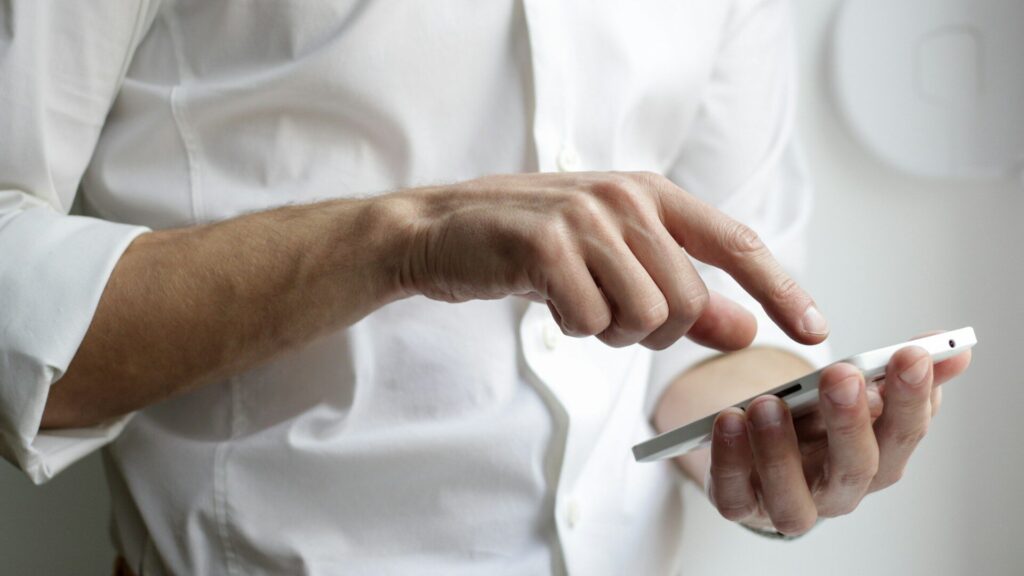
When notifications not showing on your watch becomes a daily annoyance, the cause is almost always on the phone, not the watch. Permissions, focus modes and battery savers can all quietly block alerts. Work through these checks in order and most people find the fix in a few minutes.
Start With the Connection
Notifications travel from the phone to the watch over Bluetooth. If they are not connected, nothing gets through. Check that Bluetooth is on and the watch shows as connected in its app. If it keeps dropping, see our guides for Galaxy Watch disconnects and pairing problems.
Quick Checklist
| Check | iPhone | Android |
|---|---|---|
| App notifications allowed | Settings, Notifications, app | Settings, Apps, app, Notifications |
| Watch app permission | Watch app, Notifications, mirror iPhone | Notification access for the watch app |
| Focus or Do Not Disturb | Control Center, Focus | Quick settings, Do Not Disturb or Modes |
| Battery saving | Low Power Mode | Battery optimization for the watch app |
| Watch-side mute | Watch Control Center | Watch quick panel |
Phone Settings That Block Alerts
- Notification access on Android: the watch’s companion app needs permission to read notifications. Without it, nothing reaches the wrist.
- Battery optimization: Android may put the watch app to sleep. Set it to unrestricted.
- Focus modes on iPhone: a work or sleep focus can silence apps on both devices.
- Phone in use: many watches skip alerts while you are actively using the phone, by design.
Watch Settings That Block Alerts
- Check that Do Not Disturb, Theater or Sleep mode is off on the watch.
- Make sure wrist detection is on, since some watches hold alerts when not worn.
- Open the companion app and confirm the specific app is allowed to send to the watch.
- Restart the watch, then the phone.
If Only One App Is Missing
When texts arrive but one chat app does not, the problem is that app. Open its own notification settings on the phone and allow banners and lock screen alerts. Some apps need notifications set to “show on lock screen” to reach the watch. Updating the app often clears odd bugs too. For a calmer setup once things work, try our guide on customizing watch faces and complications.
Final Thoughts
Notifications not showing on a smartwatch usually trace back to a phone permission, a focus mode, battery saving or a lost connection. Work through the checklist above, then restart both devices. If nothing helps, unpair and pair again, which clears stuck settings. For battery-friendly notification settings, see smartwatch battery settings.
FAQs
Why do notifications show on my phone but not my watch?
Usually a permission, focus mode or the phone being unlocked and in use.
Do I need the companion app running?
Yes, especially on Android. Keep it allowed to run in the background.
Will unpairing delete my watch data?
Synced data stays in your account. Sync first to be safe.

Write Your Review
No reviews yet. Be the first to share your experience!