

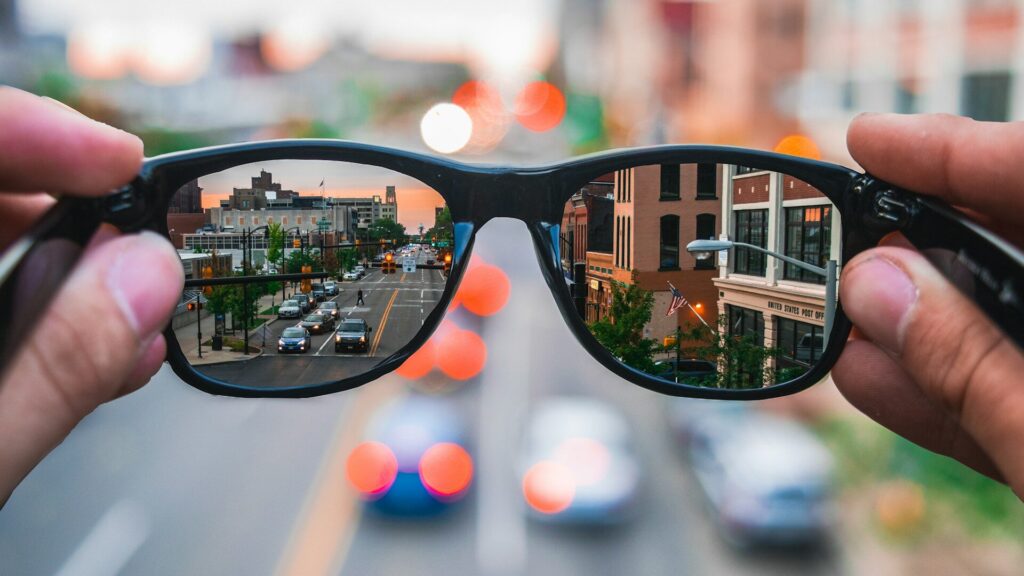
Smart glasses are regular glasses with a camera, speakers, microphones and a battery hidden in the frame. That changes how you clean them. You need to protect coated lenses from scratches and keep moisture away from the electronics. Here is how to clean smart glasses the safe way.
What You Need
- The microfiber cloth that came with the glasses, or a clean one
- Lens cleaning spray labeled safe for coated lenses
- A soft, dry brush or a blower for dust
- Cotton swabs for small gaps
Step-by-step Lens Cleaning
- Blow or brush away dust and grit first, since rubbing grit is what scratches lenses.
- Spray a small amount of lens cleaner onto the cloth, not directly onto the glasses.
- Hold the frame by the bridge and wipe each lens in gentle circles.
- Use a dry part of the cloth to remove streaks.
- Check the lenses against a light and repeat if needed.
Quick answer: remove dust first, then wipe with a microfiber cloth lightly dampened with coated-lens spray.
Cleaning the Frame, Camera and Speakers
- Camera lens: wipe gently with a clean, dry corner of the microfiber cloth.
- Speaker and microphone openings: brush lightly with a dry, soft brush. Do not push anything inside.
- Arms and nose pads: wipe with a cloth barely dampened with water.
- Charging contacts: keep them dry and clean so the case can charge the glasses.
What Is Safe and What Is Not
The table below lists common cleaning options.
| Option | Safe? | Why |
|---|---|---|
| Microfiber cloth | Yes | Lifts oils without scratching |
| Coated-lens spray on the cloth | Yes | Made for anti-reflective coatings |
| Paper towels and tissues | No | Wood fibers can scratch coatings |
| Your shirt | No | Traps dust and grit |
| Window cleaner or harsh chemicals | No | Can damage coatings and seals |
| Rinsing under the tap | No | Water can reach the electronics |
Storage and Daily Care
- Store the glasses in their charging case when you are not wearing them.
- Never place them lens-down on a table.
- Wash the microfiber cloth by hand regularly and let it air dry.
- Keep them out of hot cars, which can affect the battery and frame.
- Dry them gently if you get caught in rain, and check your model’s water resistance rating.
Many of the same habits apply to watches. See our guide on how to clean your smartwatch, and our IP68 vs 10 ATM guide explains what water ratings mean.
Final Thoughts
To clean smart glasses without scratching them, clear dust first, use a microfiber cloth with coated-lens spray, and keep water away from the camera, speakers and charging contacts. Store them in the case and they will stay clear and working for years.
Find more routines in our care and maintenance guides, including how to clean a smart ring.
FAQs
Can I use regular glasses cleaner on smart glasses?
Yes, if it is labeled safe for coated lenses. Spray it on the cloth, not the glasses.
Can I rinse smart glasses under water?
No, water can reach the speakers, microphones and contacts. Use a damp cloth instead.
How do I clean the camera on smart glasses?
Wipe it gently with a clean, dry microfiber cloth. Avoid pressing hard on the lens.
Why are my smart glasses lenses still smudged?
The cloth may be dirty or oily. Wash the cloth and repeat with a small amount of lens spray.



Write Your Review
No reviews yet. Be the first to share your experience!