

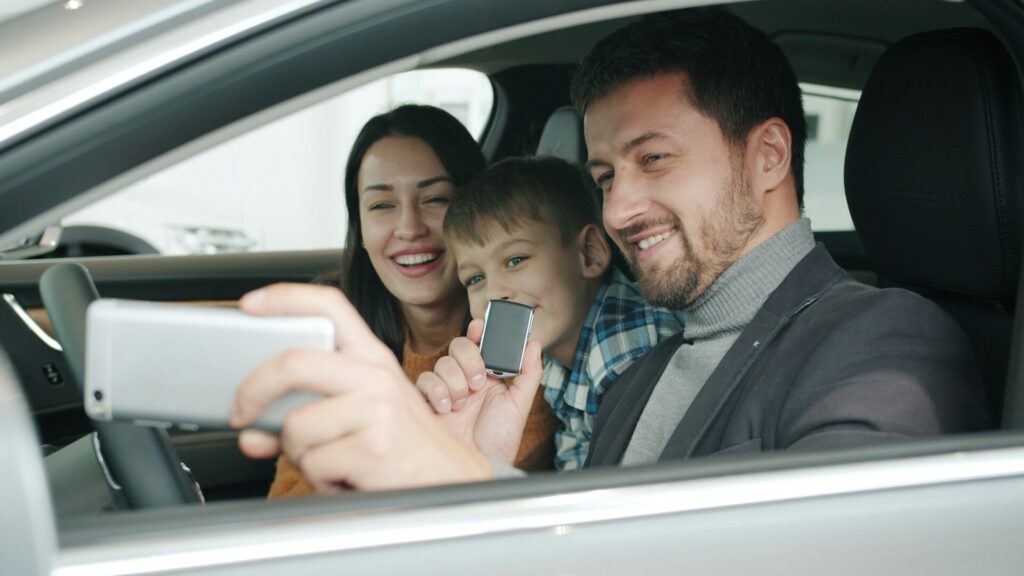
Family setup lets a parent or caregiver manage a smartwatch for someone who does not have their own compatible phone, such as a child or an older relative. Apple Watch Family Setup, Galaxy Watch kids modes, Fitbit family accounts and Garmin kids devices each let an adult control contacts, schedules, location sharing and app access from their own phone. Most need a cellular watch for calling and location away from home.
How Each Platform Handles It
| Platform | Feature | Key Requirements |
|---|---|---|
| Apple Watch | Family Setup | Cellular Apple Watch, parent’s iPhone, Family Sharing |
| Samsung Galaxy Watch | Kids or family modes on supported LTE models | Parent’s Galaxy phone and app |
| Fitbit | Family accounts for kids’ devices | Parent-managed child account |
| Garmin | Kids devices managed in a parent app | Parent’s phone and Garmin account |
Platform details follow your phone; see Android or iPhone: how to choose a smartwatch.
What Parents Can Control
- Contacts: who the child can call and message.
- School time: limits the watch to basic functions during class.
- Location: share location with family and set place alerts.
- Activity goals: age-appropriate movement goals instead of calorie targets.
- Apps and payments: approve apps and, on some systems, manage payment features.
Setting It Up
- Confirm the watch model supports family setup and whether it needs cellular service.
- Create or confirm the child or relative’s account under your family group.
- Pair the watch from your phone using the family setup option, not normal pairing.
- Add the cellular plan if needed.
- Set contacts, school time, location sharing and goals.
- Walk through the watch with the wearer so they know the basics.
For location-focused kids’ watches, our kids’ GPS smartwatch checklist covers safe zones and contacts.
Family Setup for Older Relatives
Family setup also helps older parents who do not use a smartphone. A cellular watch can handle calls, fall detection and emergency alerts on its own, while you manage contacts and settings from your phone. Our guide to setting up fall detection for an older parent and emergency SOS and medical ID walk through the safety features.
Privacy and Data Sharing
Decide together what data is shared. Location sharing helps with pickups and safety, but older kids may want some privacy. Health data from a family-managed watch is usually visible to the managing adult. Review what each app stores and turn off public leaderboards. For general data controls, see how to export your wearable health data, which also explains where data lives.
Common Limits
Family-managed watches often lose some features, such as certain health tracking or third-party apps, and some need a monthly cellular plan. Battery life on cellular watches is shorter, so charging becomes part of the nightly routine. Check feature lists before buying, because they differ between models and regions.
Final Thoughts
Family setup turns a smartwatch into a safe, managed device for kids and older relatives. Choose a supported cellular model, set contacts and school time, agree on location sharing and keep charging part of the routine.
FAQs
Does a child need their own phone for family setup?
No. The managing adult’s phone handles setup and controls.
Does family setup need a cellular plan?
For calls and location away from Wi-Fi, usually yes.
Can I set up a watch for my elderly parent this way?
Yes, on supported models. It works well for calls and safety alerts.

Write Your Review
No reviews yet. Be the first to share your experience!