

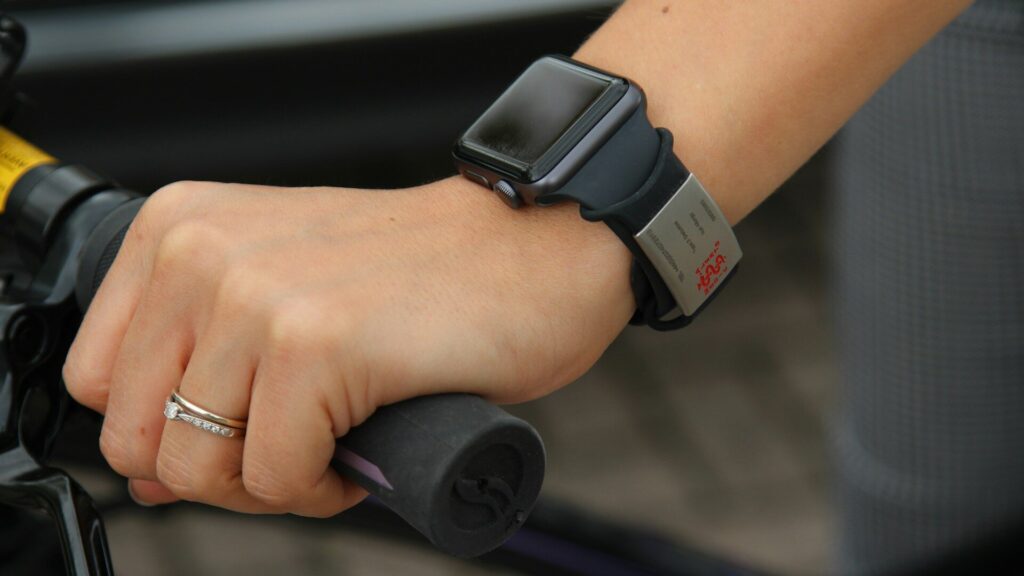
Offline maps on smartwatches work by storing map data on the watch itself, so GPS can show where you are and the watch can guide you without a phone or cell signal. Turn-by-turn navigation adds a planned route on top: the watch compares your position to the route and alerts you with a vibration and an arrow before each turn. Phone-based navigation, by contrast, streams directions from your phone and stops working when the connection drops.
Two Kinds of Watch Navigation
| Type | How It Works | Needs a Phone? |
|---|---|---|
| Phone-mirrored directions | The phone calculates the route and sends each turn to the watch | Yes, phone must stay connected |
| Breadcrumb navigation | The watch follows a GPX track line, often without a map background | No, after the route is loaded |
| Full offline maps | Map tiles stored on the watch with roads and trails | No, after maps are downloaded |
| On-watch routing | The watch builds a route to a point using stored maps | No, on supported models |
What Happens During a Turn-by-turn Route
- GPS finds your position every second or so.
- The watch matches that position to the stored route or map.
- Before a turn, it vibrates and shows an arrow with the distance to the turn.
- If you go off course, it alerts you and may offer to reroute.
- At the end, it confirms you have arrived.
Better GPS means fewer false off-course alerts. See dual-band GPS on smartwatches explained.
Where the Maps Live
Offline maps take up storage, often several gigabytes per region on outdoor watches. That is why many watches let you download only the areas you need over Wi-Fi. The maps include roads, trails, contour lines on some models and points of interest. For the step-by-step download process, read how to load offline maps on your watch before a hike.
Limits to Know
- Battery: GPS plus a bright map screen drains the battery faster than normal workouts.
- Small screen: zooming and panning are slower than on a phone.
- Map freshness: stored maps do not update live for road closures.
- Signal in canyons and cities: tall walls and buildings can cause drift. See GPS drift on runs.
Tips for Safer Navigation
- Charge fully before a long route and bring a backup on remote trips.
- Load the route at home and preview it on the watch.
- Learn how to pause and resume navigation before you need it.
- Set up emergency features in advance. See satellite SOS on wearables.
An altimeter helps too on hilly routes. Read barometric altimeter explained.
Before relying on wrist navigation in a new place, take a short practice walk near home. Load a simple loop, follow the arrows and notice how early the watch alerts you before turns. Adjust alert settings if they come too late for your pace. Practicing once makes it much easier to trust the watch on an unfamiliar trail or in a busy city where you cannot stop to look at a phone.
Final Thoughts
Turn-by-turn navigation on a watch combines stored maps, GPS and simple wrist alerts. Phone-mirrored directions work well in town, while full offline maps are the safer choice for trails and travel. Download maps ahead of time, plan for battery use and practice before you rely on it.
FAQs
Can a smartwatch navigate without a phone?
Yes, if it supports offline maps or stored routes. Download them before you go.
Does navigation drain the watch battery?
Yes, GPS and map screens use more power. Charge fully before long routes.
What is breadcrumb navigation?
A route line you follow without a full map. It is simpler but still useful.




Write Your Review
No reviews yet. Be the first to share your experience!