

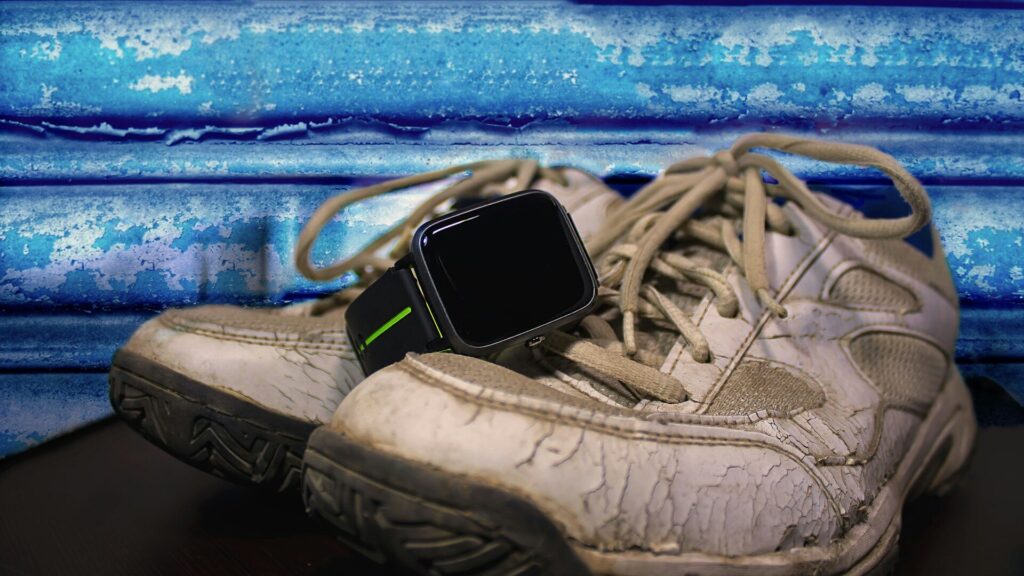
Running watch spec sheets can list more than a hundred features, and most runners use a handful of them. The best way to choose a running watch is to start from your training, not from the feature list, and only pay for extras you will use every week.
Features Every Runner Needs
- Built-in GPS: accurate pace and distance without carrying a phone.
- Wrist heart rate: for easy-run discipline and heart rate zones.
- Lap and interval support: auto laps plus simple structured workouts.
- Readable screen: clear in sunlight and at a glance mid-stride.
- Enough battery: comfortably longer than your longest run with GPS on.
Most entry-level running watches cover all five, such as the model in our Forerunner 165 review.
Extras and Who Needs Them
The table below matches common extras with the runners who benefit.
| Extra Feature | Worth It For | Skip If |
|---|---|---|
| Multi-band GPS | City runners among tall buildings, trail runners | You run open roads or parks |
| Offline maps | Trail and ultra runners | You repeat familiar routes |
| Music storage | Runners who leave the phone at home | You always carry your phone |
| Training readiness and load | Runners following plans or racing | You run for fun a few times a week |
| Running power | Data-driven athletes on hilly courses | You train by pace or feel |
| LTE | Solo runners who want calls and safety alerts | Your phone comes along anyway |
Our dual-band GPS guide explains when the extra accuracy pays off.
Match the Watch to Your Running
- New or casual runner: an entry-level running watch or fitness-focused smartwatch.
- Half and full marathon training: a mid-range running watch with training load and adaptive plans.
- Trail and ultra running: multi-band GPS, maps and long GPS battery life.
- Runner who also wants a daily smartwatch: Apple Watch or a Wear OS watch, if you accept daily charging.
Quick answer: pick the lowest level that covers your longest run’s battery needs and the workouts you actually do.
Screen Types and Battery
AMOLED screens look bright and sharp but use more power, especially in always-on mode. Memory-in-pixel (MIP) screens look plainer but last much longer and stay readable in direct sun. If you run long distances, check the GPS battery rating rather than the smartwatch-mode number.
Common Overspending Traps
- Paying for maps when you run the same loops every week.
- Buying a flagship for features you will explore once.
- Choosing LTE when your phone is always in your pocket.
- Ignoring fit and comfort, which matter on every single run.
Final Thoughts
To choose a running watch, start with GPS, heart rate, intervals, a readable screen and enough battery. Add multi-band GPS, maps or music only when your training clearly calls for them.
Compare options in our Forerunner 265 review and our Garmin vs Apple Watch comparison, and track your pace targets with our running pace calculator.
FAQs
Do I need a running watch to start running?
No, a phone app works fine at first. A watch adds convenience, heart rate and phone-free runs.
Is multi-band GPS worth it for running?
Only in cities with tall buildings or on trails under tree cover. Standard GPS is accurate on open routes.
Can a smartwatch replace a running watch?
Yes, for most recreational runners. Dedicated running watches offer longer battery and deeper training data.
How much battery does a running watch need?
At least comfortably longer than your longest run with GPS on. Ultra runners should check multi-band battery figures.



Write Your Review
No reviews yet. Be the first to share your experience!