

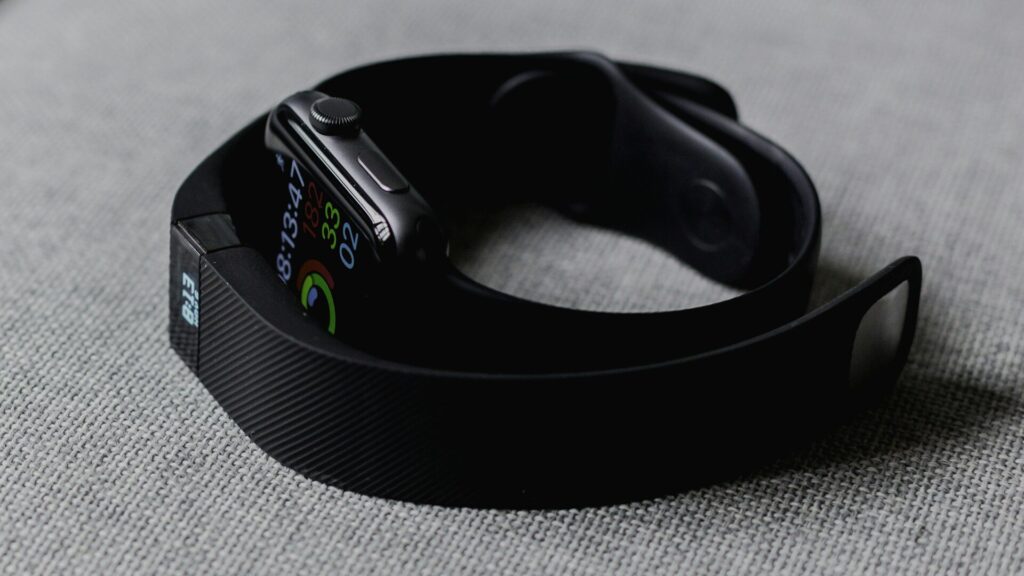
Your tracker shows thousands of steps, but the Fitbit app still shows the morning’s numbers. A Fitbit not syncing is almost always fixable in a few minutes, because the tracker keeps your data until the next successful sync.
Work through these fixes in order.
Common Causes at a Glance
Match the symptom with the most likely cause.
| Symptom | Likely Cause | First Fix |
|---|---|---|
| Syncs only when the app is open | Background limits | Allow background activity |
| Sync starts but fails | Bluetooth glitch | Toggle Bluetooth and restart |
| Device not found | Another app or phone holds the connection | Close other fitness apps |
| Nothing syncs after an update | App or account sign-in | Update the app and sign in again |
| Never connects | Corrupted pairing | Remove and re-add the device |
Quick Fixes First
- Open the Fitbit app, tap your device and choose Sync now. Keep the app open until it finishes.
- Turn Bluetooth off and on in the phone’s settings.
- Restart the phone.
- Restart the tracker. The steps differ by model, so check its settings or support page.
- Update the Fitbit app and the tracker’s software.
Quick answer: a manual sync, a Bluetooth toggle and a restart of both devices fix most Fitbit sync problems.
Let the App Run in the Background
Android
Open the phone’s app settings for Fitbit, choose Battery and set it to Unrestricted. Allow nearby devices and location access. In the Fitbit app, turn on Always connected or All-day sync if your device offers it.
iPhone
In Settings, open Fitbit and turn on Bluetooth and Background App Refresh. Low Power Mode can delay syncing.
Check for Connection Conflicts
- A Fitbit tracker connects to one phone or tablet at a time. Turn off Bluetooth on other devices signed in to your account.
- Close other apps that connect to the tracker over Bluetooth.
- Do not pair the tracker from the phone’s Bluetooth menu. Pair it only through the Fitbit app.
- Make sure you are signed in with the same Google account that holds your Fitbit data.
Remove and Re-add the Device
- Sync if you can, so the latest data uploads.
- In the Fitbit app, open the device settings and remove it.
- Forget the tracker in the phone’s Bluetooth settings if it appears there.
- Add the device again from your profile in the Fitbit app.
The same steps help Pixel Watch owners, since it also uses the Fitbit app. See our guide on how to set up a Pixel Watch.
Final Thoughts
A Fitbit not syncing usually needs a manual sync, a Bluetooth toggle or permission for the app to run in the background. Re-adding the device is the last step and rarely needed.
For more connection fixes, see our pairing fixes guide, the Fitbit Versa 4 review, and our other troubleshooting guides.
FAQs
Will I lose data if my Fitbit does not sync?
Usually not, since the tracker stores several days of data. Sync as soon as you can to avoid gaps.
Why does my Fitbit only sync when I open the app?
The phone is limiting the app in the background. Allow background activity and unrestricted battery use.
Can my Fitbit connect to two phones?
It syncs with one device at a time. Turn off Bluetooth on the other device to avoid conflicts.
Should I pair my Fitbit in Bluetooth settings?
No, pair it through the Fitbit app only. Pairing in phone settings can block syncing.

Write Your Review
No reviews yet. Be the first to share your experience!