

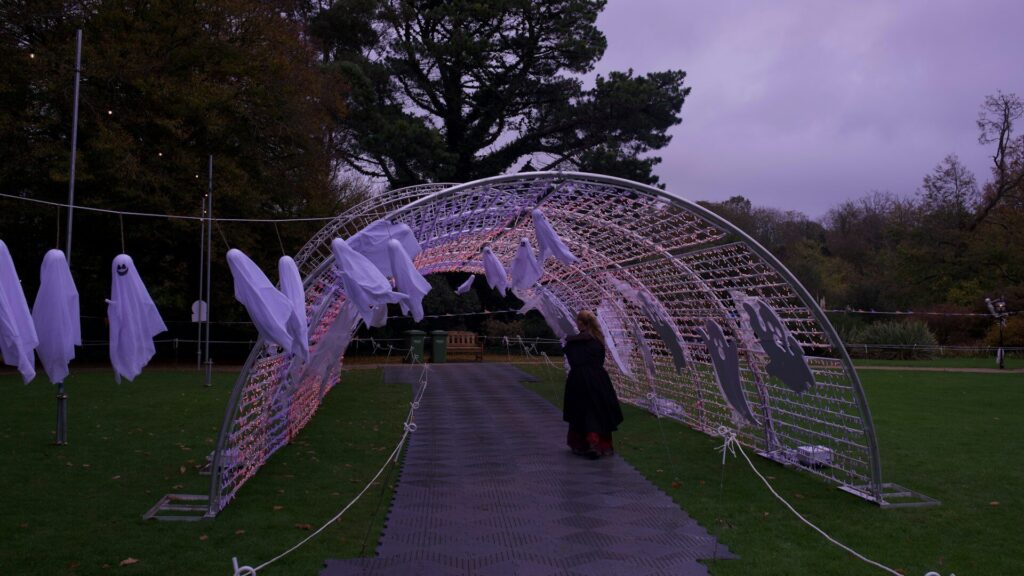
Halloween routes are dark, crowded and full of curbs, porch steps and uneven sidewalks. Your smartwatch already has features that help on Halloween night walks, from a built-in light to emergency calling. Most are off or hidden in menus by default, so it pays to switch them on before the costumes come out.
Flashlight on Your Wrist
A wrist light helps you read house numbers, find dropped candy and check a step before you take it.
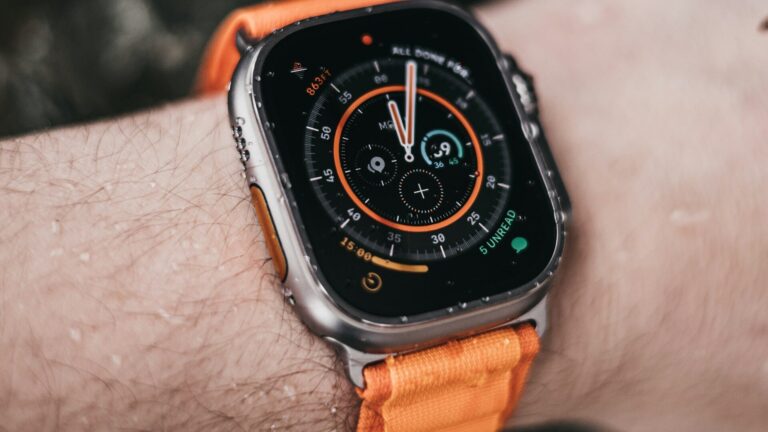
- Apple Watch: open Control Center and tap the flashlight; the screen turns bright white. Apple Watch Ultra models also offer a red Night Mode display that is easier on the eyes in the dark.
- Galaxy Watch and Pixel Watch: use the flashlight tile in quick settings to turn the screen bright white.
- Garmin: select models, such as the Forerunner 970 and some fenix and Instinct watches, have a real LED flashlight. See our Forerunner 970 review.
Always-on Display for Quick Checks
When your hands are full of candy bags, raising your wrist to wake the screen gets awkward. Always-on display keeps the time and a few details visible. Turn it on for the evening, and lower the brightness if your watch allows it so the battery lasts the whole route.
Fall Detection and Emergency SOS
Dark porches and curbs make trips more likely. Many smartwatches can sense a hard fall and offer to call emergency services if you do not respond.
| Watch | Fall or Incident Detection | Emergency SOS |
|---|---|---|
| Apple Watch | Fall Detection | Press and hold the side button |
| Samsung Galaxy Watch | Fall detection in Safety settings | Press the Home key several times |
| Google Pixel Watch | Fall detection | Press the crown several times |
| Garmin | Incident detection during activities | Assistance via phone connection |
Exact steps vary by model, so open your watch’s safety settings to confirm. Our Garmin Venu 4 review shows how fall detection works on one popular watch. Without a phone nearby, emergency calls need a cellular model; our GPS vs LTE guide explains the difference.
Share Your Location With the Group
If your group splits up, location sharing makes regrouping easy. Use Find My on iPhone and Apple Watch, or Google Maps location sharing on Android. If an older child wears their own watch, set it up ahead of time with our kids GPS smartwatch checklist.
A Quick Pre-walk Routine
- Charge the watch to full.
- Turn on always-on display and lower brightness.
- Confirm fall detection and SOS are on.
- Start a walk workout to record distance.
- Add a reflective band or wear a light sleeve over a dark costume.
Final Thoughts
A smartwatch can make Halloween night walks a little safer: a quick light for dark porches, a screen you can read without fumbling, and fall detection with emergency calling. Switch these features on before you leave, and they will be ready if you need them. For a rugged option, see our Apple Watch Ultra 3 review, and find more ideas in our Halloween guides.
FAQs
Does Apple Watch have a flashlight?
Yes, in Control Center. It lights the screen bright white for a few moments of light.
Is fall detection on by default?
Not always. Some watches turn it on based on age, so check your safety settings.
Will always-on display drain the battery?
It uses more power, but one evening is usually fine. Start at full charge and lower the brightness.
Can my watch call for help without my phone?
Only cellular models can. GPS-only watches need a phone nearby to place emergency calls.
Write Your Review
No reviews yet. Be the first to share your experience!