

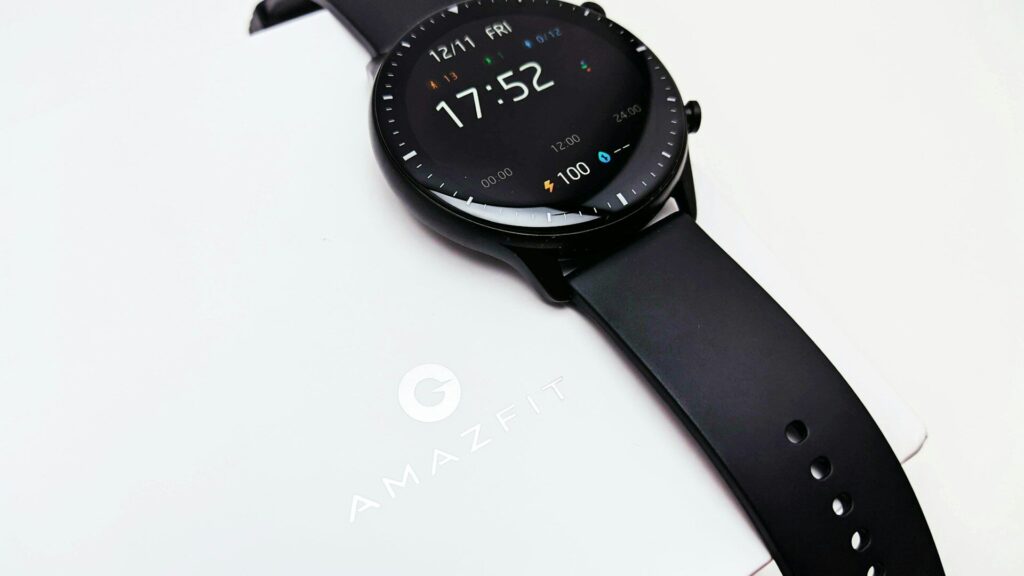
Amazfit watches are known for long battery life and simple controls, but much of their value shows up in the phone app. The Zepp app is where your health trends, workout history, watch faces and settings live. A few minutes exploring it turns raw numbers into useful habits.
How the Zepp App Is Organized
- Home: cards for steps, sleep, heart rate, stress, PAI and readiness.
- Workouts: your activity history with maps, splits and heart rate.
- Device: watch faces, mini apps, notifications and watch settings.
- Profile: personal details, goals and linked accounts.
You can reorder or hide the home cards so the stats you care about sit at the top.
Key Scores Explained
The table below explains the scores Amazfit users see most.
| Score | What It Measures | How to Use It |
|---|---|---|
| PAI | Heart rate based activity over the past 7 days | Aim to keep it at 100 or higher |
| Readiness | Recovery from sleep, HRV and resting heart rate | Train hard on high days, ease off on low days |
| Sleep score | Duration, stages and restfulness | Spot nights that need more rest |
| Stress | Daytime heart rate variability | Notice patterns and take breaks |
Quick answer: PAI shows whether you moved enough this week, and readiness shows whether today is a good day to push.
Workouts and Training
- Open a workout to see the route map, pace, heart rate zones and splits.
- Use the training section to follow a structured running plan on supported watches.
- Set your heart rate zones in the profile. Our heart rate zone calculator gives a starting point.
- Review weekly totals to keep training load steady.
Personalizing the Watch
- Watch faces: browse the store in the Device tab and pick one that shows your key stats.
- Mini apps: add extra tools such as calculators, timers or games on supported models.
- Notifications: choose which apps can alert you to save battery.
- Shortcuts: set button and swipe shortcuts for the features you use most.
Linking Other Apps
In the profile section, open linked or third-party accounts to connect Strava, Apple Health on iPhone, or Health Connect on Android. Our guides to Apple Health and Health Connect explain how that shared data works.
Final Thoughts
The Zepp app is the control center for any Amazfit watch. Arrange the home cards, learn what PAI and readiness mean, and link the other fitness apps you use, and the watch becomes much more than a step counter.
New to Amazfit? Start with our Amazfit watch setup guide, and see a current model in our Amazfit T-Rex 3 review.
FAQs
Is the Zepp app free?
Yes, the core app is free with any Amazfit watch. An optional subscription adds extra insights.
What is a good PAI score?
Keeping PAI at 100 or higher is the goal. It reflects your heart rate based activity over seven days.
Does the Zepp app work on iPhone?
Yes, it works on iPhone and Android. Some features, such as quick replies, are Android only.
Can I export Zepp data to Strava?
Yes, link Strava in the app’s third-party accounts. New workouts then upload automatically.



Write Your Review
No reviews yet. Be the first to share your experience!