

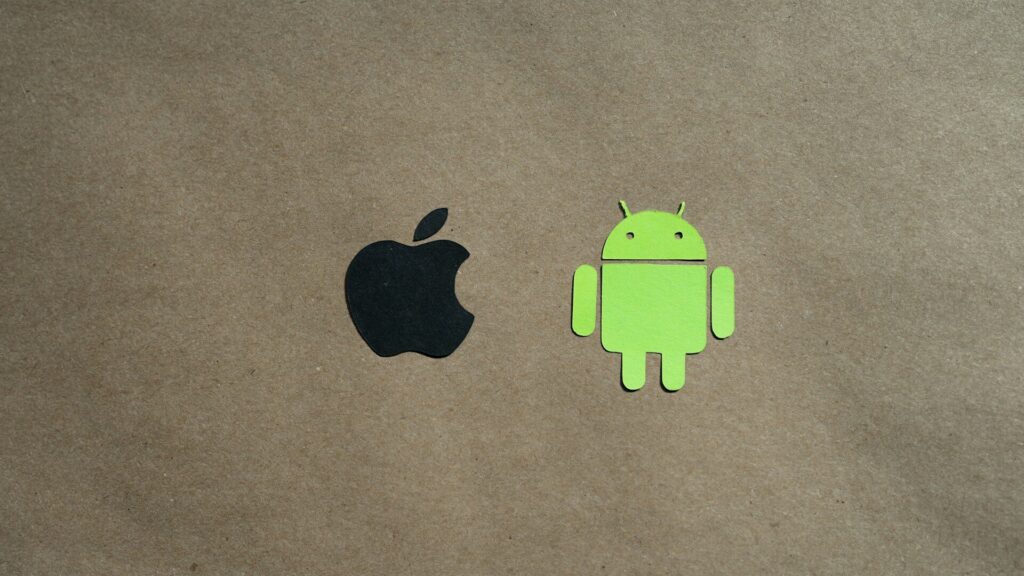
The first filter for any smartwatch is not the screen, the battery or the price. It is your phone. Smartwatch compatibility decides whether a watch pairs at all, which features you can use, and what happens if you switch phones in two years.
Which Watches Work With Which Phones
The table below covers the major brands.
| Brand | iPhone | Android |
|---|---|---|
| Apple Watch | Yes | No |
| Samsung Galaxy Watch | No | Yes |
| Google Pixel Watch | No | Yes |
| Garmin | Yes | Yes |
| Amazfit | Yes | Yes |
| Fitbit trackers | Yes | Yes |
Quick answer: iPhone owners get the most from Apple Watch, Android owners from Galaxy or Pixel watches, and anyone who may switch phones should look at Garmin, Amazfit or Fitbit.
If You Use an iPhone
Apple Watch is the only smartwatch with full iPhone integration: iMessage replies, Apple Pay, Siri, and health data that flows straight into Apple Health. Cross-platform watches still work with iPhone, but Apple limits what third-party watches can do.
- Garmin and Amazfit show iPhone notifications but cannot send quick replies to texts.
- Third-party watches cannot answer iMessages or control as many iPhone settings.
If You Use an Android Phone
Android owners have the widest choice. Galaxy Watch and Pixel Watch run Wear OS with Google services, and Samsung adds extra features when paired with a Galaxy phone, such as ECG in some regions. Garmin and Amazfit also support quick replies on Android.
Health data from different apps can be shared through Health Connect on Android.
Features That Change by Phone
- Text replies: full on matching platforms, limited on iPhone with cross-platform watches.
- Payments: Apple Pay on Apple Watch, Google Wallet or Samsung Wallet on Wear OS, and brand wallets on Garmin and some Amazfit models.
- Voice assistant: Siri on Apple Watch, Google’s assistant on Wear OS, limited or none on many others.
- Health features: some ECG and blood pressure tools need a phone from the same brand.
Planning for a Phone Switch
- Decide whether you are likely to change platforms in the next few years.
- If yes, favor a cross-platform brand so the watch moves with you.
- Export or sync your health history before switching, since Apple Health and Android apps do not transfer data automatically.
- Expect to set up the watch again from scratch on the new phone.
Our comparison of watchOS vs Wear OS explains how the two main platforms differ day to day.
Final Thoughts
Smartwatch compatibility should be the first thing you check. Apple Watch suits iPhone owners, Galaxy and Pixel watches suit Android owners, and Garmin, Amazfit and Fitbit work with both at the cost of a few phone-specific features.
Once the platform is clear, our guide on how to choose a smartwatch helps you narrow down the rest.
FAQs
Can an Apple Watch work with an Android phone?
No, Apple Watch needs an iPhone for setup and daily use. Android owners should look at Wear OS or cross-platform watches.
Can a Galaxy Watch work with an iPhone?
No, current Galaxy Watch models pair only with Android phones. Older models had limited iPhone support that has ended.
Which smartwatch works with both Android and iPhone?
Garmin, Amazfit and Fitbit trackers work with both. Some features, such as text replies, work only on Android.
Do I lose my watch if I switch phones?
Only if the watch is tied to your old platform. Apple Watch, Galaxy Watch and Pixel Watch will not move across platforms.


Write Your Review
No reviews yet. Be the first to share your experience!