

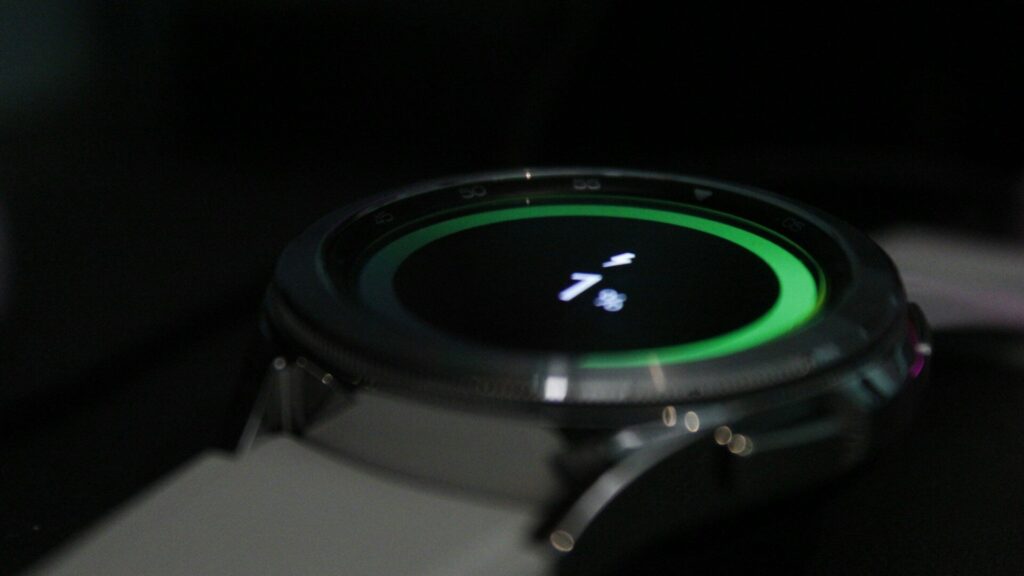
A Pixel Watch that needs a charger by mid-afternoon is frustrating, especially when it lasted longer when it was new. Pixel Watch battery drain usually comes from a handful of settings and habits, not a faulty battery, and most of them are easy to change.
Common Battery Drains
The table below lists the usual suspects and how much they tend to matter.
| Cause | Impact | Fix |
|---|---|---|
| Always-on display | High | Turn it off or use a simple dark watch face |
| Long GPS workouts | High | Charge before long sessions |
| LTE in weak signal areas | High | Turn off mobile data when the phone is nearby |
| Frequent notifications | Medium | Limit which apps can notify the watch |
| Animated or busy watch faces | Medium | Choose a simpler face |
| Third-party apps in the background | Medium | Uninstall apps you do not use |
Find the Culprit Step by Step
- Note when the drain started. A recent update, a new app or a new watch face is a strong clue.
- Check the battery details in the watch settings or the Pixel Watch app to see what used the most power.
- Change one setting at a time and wear the watch for a full day before judging.
- Keep a short note of battery level at bedtime to compare days.
Quick answer: always-on display, LTE and GPS workouts cause the biggest drains, so check those first.
Settings That Save the Most Battery
- Always-on display: turn it off, or keep it with a dark, simple face.
- Tilt to wake: turn it off if the screen lights up too often.
- Brightness: use adaptive brightness or lower it slightly.
- Notifications: allow only the apps you truly need on your wrist.
- Bedtime mode: schedule it so the screen stays dark overnight.
- Battery Saver: turn it on for long days away from a charger.
When a Restart or Reset Helps
- Restart the watch, which clears stuck background processes.
- Update the watch software and the Pixel Watch and Fitbit apps.
- Remove watch faces and apps added just before the drain began.
- As a last step, back up and reset the watch, then pair it again.
Pairing again works the same way as the first time. See our guide on how to set up a Pixel Watch.
Charging Habits That Protect the Battery
- Top up in short sessions, such as during a shower, rather than letting the battery run flat.
- Keep the watch and charger away from heat.
- Clean the charging contacts so the watch charges fully. Our guide on how to clean your smartwatch shows how.
Final Thoughts
Fast Pixel Watch battery drain usually traces back to always-on display, LTE, GPS workouts or a busy set of notifications. Check battery details, change one setting at a time, and restart or update before considering a reset.
See how battery life compares across generations in our Pixel Watch 4 review and Pixel Watch 5 review, or browse more troubleshooting guides.
FAQs
How long should a Pixel Watch battery last?
Around a full day or more with typical use, depending on the model. Always-on display and GPS shorten it.
Does always-on display drain the Pixel Watch battery?
Yes, it is one of the largest drains. Turning it off can add many hours.
Why did my battery get worse after an update?
The watch may still be indexing or syncing in the background. Give it a day, then restart if the drain continues.
Should I reset my Pixel Watch to fix battery drain?
Only as a last step. Try settings changes, a restart and updates first.




Write Your Review
No reviews yet. Be the first to share your experience!