

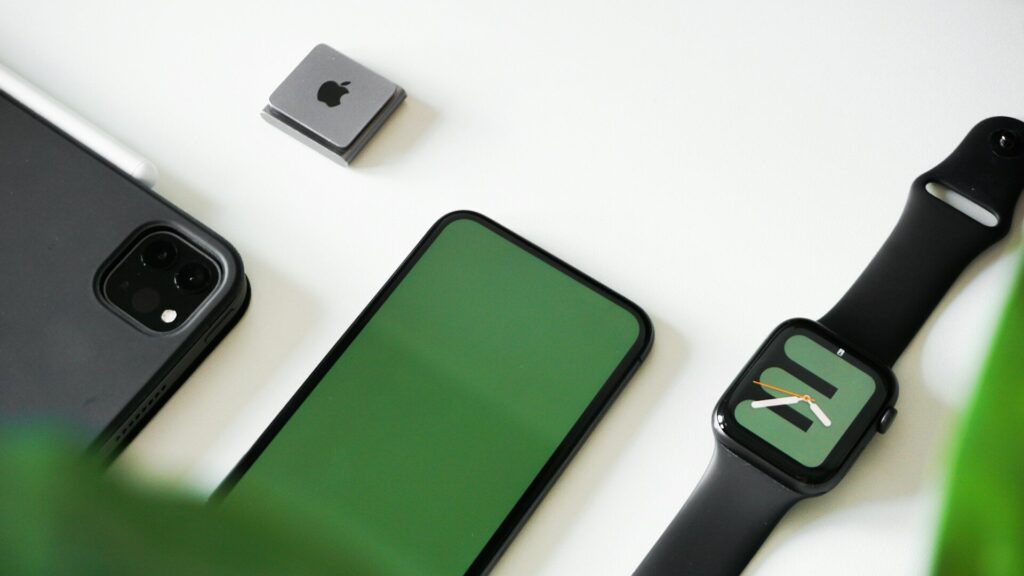
If your smartwatch is stuck on the logo screen or keeps restarting, first put it on its charger for at least 30 minutes, then force restart it using the button combination for your model. If it still loops, try again while it charges, and if the problem started after a software update, follow the maker’s recovery steps. A factory reset is the last step, and a repair is needed if none of these work.
Common Causes
| Cause | Clue |
|---|---|
| Very low battery | Logo appears, then the watch dies or restarts |
| Interrupted software update | Started right after an update |
| Corrupted app or watch face | Restarts when a certain app loads |
| Faulty charger or contacts | Charging icon flickers |
| Hardware fault or water damage | Persists after all fixes |
Step-by-Step Fixes
- Charge first: leave the watch on its original charger for 30 minutes or more. Clean the contacts; see how to clean charging contacts.
- Force restart: hold the side button and crown, or the buttons your maker lists, until the screen goes dark and restarts.
- Restart while charging: some watches recover only when powered.
- Keep the phone close: after an interrupted update, the companion app may resume or repair it.
- Remove recent apps or faces: if the watch boots briefly, uninstall the last app or face you added.
- Reset as a last step: use the recovery or reset option, knowing local data not yet synced may be lost.
Before You Reset
A factory reset erases the watch. Most health data is stored in the phone app once synced, but anything recorded since the last sync can be lost. If the watch boots even briefly, let it connect to the phone first. Contactless payment cards and some settings will need to be added again afterward; see how to set up contactless payments.
Platform-Specific Notes
Apple Watch can enter a recovery state where the iPhone helps restore it. Wear OS watches, including Galaxy and Pixel, have a recovery or reset option reachable through button combinations. Garmin watches have soft and hard reset key combinations listed in their manuals, and a soft reset does not erase data. Amazfit watches can usually be reset from the settings once they boot. Check your maker’s support page for the exact steps, because button combinations differ between models.
When It Is a Hardware Problem
If the watch loops even on the charger after a forced restart and a reset, or if it got wet before the problem started, the battery or board may be failing. Contact the maker’s support; warranty may cover it if there is no physical or water damage. Related symptoms are covered in smartwatch won’t charge and water inside your smartwatch.
Prevent Boot Problems
- Install updates with the watch on its charger and above half battery.
- Keep the phone nearby and the app open during updates.
- Avoid sideloading unknown apps or faces.
- Restart the watch now and then to clear minor glitches.
Final Thoughts
Charge it, force restart it, try again on the charger and remove recent apps before resetting. Most logo loops end there; persistent ones point to hardware and a support visit.
FAQs
Will a force restart erase my watch?
No. It only restarts the system; your data stays.
Why did my watch get stuck after an update?
The update may have been interrupted. Charge it and keep the phone close to resume.
Is a boot loop covered by warranty?
Often, if there is no physical or water damage. Contact the maker’s support.
Write Your Review
No reviews yet. Be the first to share your experience!