

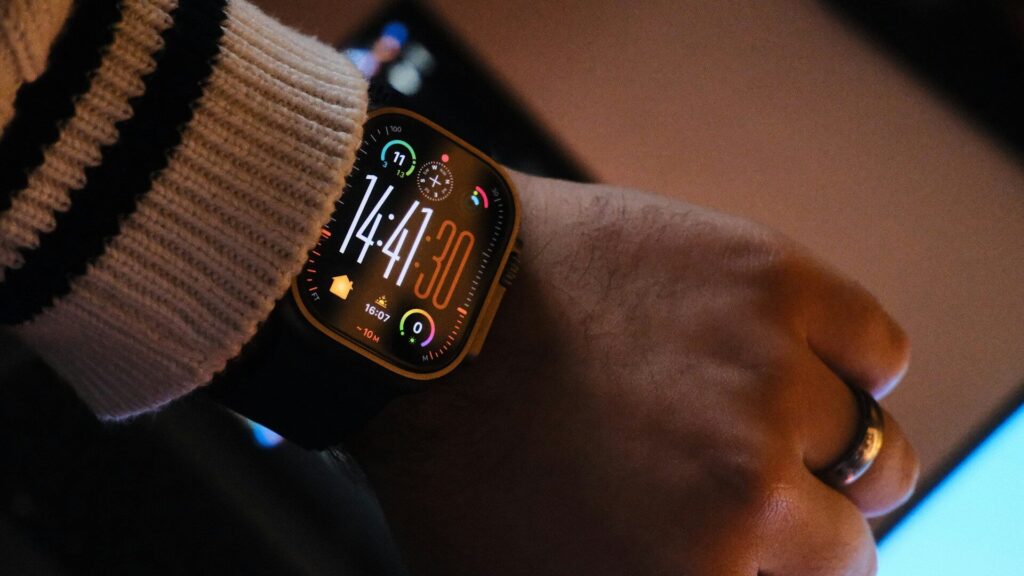
If your watch charges only sometimes, or stops halfway, the culprit is often a thin film on the charging contacts. Sweat, sunscreen, lotion and dust collect on the small metal pins or the magnetic pad on the back of your watch. Cleaning them takes a few minutes and is one of the simplest fixes for unreliable charging.
What You Need
- A soft, lint-free microfiber cloth
- Cotton swabs
- Isopropyl alcohol, 70 percent works well
- A dry, soft toothbrush for docks with grooves
- A wooden toothpick for stubborn grime in corners
Avoid metal tools, abrasive pads, bleach and household sprays. They can scratch the pins or damage coatings around the sensors.
Clean the Watch Contacts
- Turn the watch off and remove it from the charger.
- Remove the band if it blocks the back of the watch.
- Wipe the back with a cloth lightly dampened with water.
- Dip a cotton swab in alcohol, squeeze out the excess, and rub each pin or the charging pad gently.
- Use the dry end of the swab to wipe away loosened residue.
- Let the watch air-dry for at least ten minutes before charging.
Keep the alcohol on the metal contacts and away from the sensor window and seals. Our guide on cleaning a smartwatch without damaging the sensors covers the rest of the case.
Clean the Charger or Dock
Unplug the charger first. Wipe the surface with a slightly damp cloth, then use a swab with a little alcohol on any pins. Spring-loaded pins on some docks can trap grime around their edges, so press them gently with the swab. Brush out dust from grooves with a dry toothbrush and let everything dry fully.
How Often to Clean
| How You Use the Watch | Clean the Contacts |
|---|---|
| Everyday wear, light exercise | Every two weeks |
| Daily workouts or heavy sweat | Once a week |
| Swimming in pools or the sea | After each swim, with a fresh water rinse |
| Sunscreen or lotion in summer | Every few days |
Swimmers should also read our guide on what to do after salt water or chlorinated pool swims.
Spot Corrosion Early
Green or white crust on the pins is a sign of corrosion, usually from sweat or salt water left to dry. Light spots often come off with an alcohol swab and a few gentle passes with a toothpick. If the pins look pitted or the charging still fails after cleaning, contact the maker, since damaged contacts may need a repair.
Still Not Charging?
If clean contacts do not solve it, check the cable, adapter and outlet next. Our step-by-step guide for when a smartwatch won’t charge works through each link in order. Good habits also help, so see our tips on charging your smartwatch every night.
Final Thoughts
A cloth, a cotton swab and a little alcohol fix most unreliable charging. Clean both the watch and the dock, let them dry, and repeat every week or two if you sweat a lot. It is the cheapest repair you will ever make.
FAQs
Can I use water to clean charging contacts?
Yes, a lightly damp cloth is fine. For greasy residue, isopropyl alcohol on a swab works better and dries quickly.
Is it safe to charge right after cleaning?
Wait until everything is completely dry. Ten minutes of air-drying is usually enough.
What does green buildup on the pins mean?
It is usually corrosion from sweat or salt water. Clean it gently, and contact the maker if charging still fails.


Write Your Review
No reviews yet. Be the first to share your experience!