

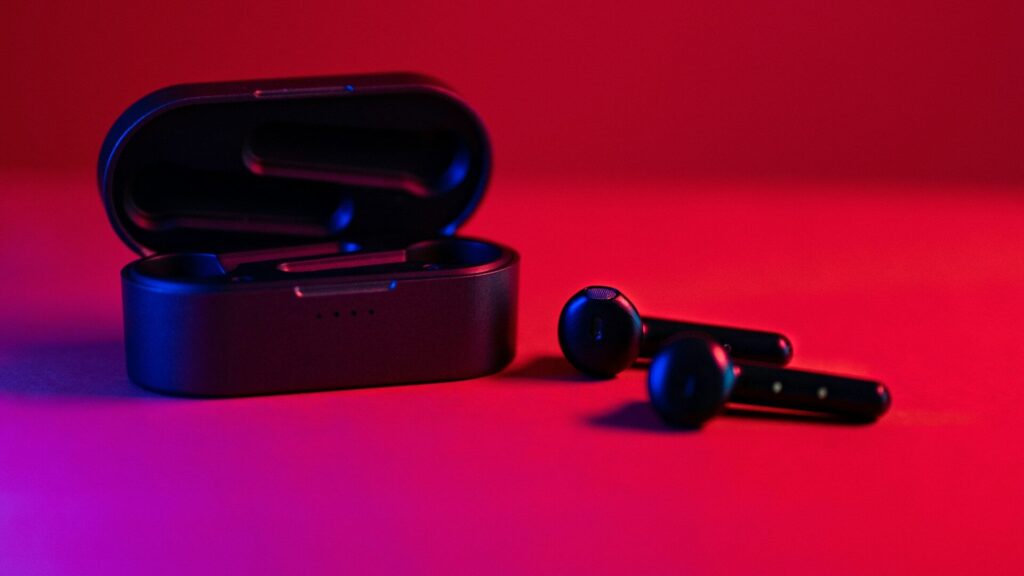
Streaming music on your smartwatch lets you run, ride or hit the gym with just your watch and earbuds. Support depends on the watch platform and the music service, and there is an important difference between streaming live and playing downloaded songs. Here is what works where.
Music Service Support by Platform
| Service | Apple Watch | Wear OS (Pixel, Galaxy) | Garmin |
|---|---|---|---|
| Apple Music | Stream and download | Limited | Download on select models |
| Spotify | Stream and download | Stream and download | Download on music models |
| YouTube Music | Limited | Stream and download | Not widely supported |
| Amazon Music | Stream and download | Varies | Download on music models |
Support changes with app updates, so check the service’s watch app before buying. Most services need a paid subscription for watch downloads.
Streaming vs Downloading
- Streaming plays music live over Wi-Fi or LTE. It needs a connection and uses more battery.
- Downloading saves playlists to the watch. It works anywhere and saves battery.
For phone-free workouts on a non-cellular watch, downloads are the only option. Read cellular smartwatches explained for how LTE streaming works.
What You Need
- A watch with music storage or cellular service.
- A supported music app installed on the watch.
- A paid subscription for most download features.
- Bluetooth headphones paired directly to the watch.
- Enough battery for your workout plus music.
Tips for Smooth Listening
Download playlists while the watch is on the charger and connected to Wi-Fi, since syncing is faster and does not drain the battery. Keep one or two workout playlists on the watch instead of your whole library to save storage. Pair headphones to the watch, not just the phone, before you head out. Our guide to battery settings helps on long runs.
Common Problems
If music stutters, keep the watch and headphones on the same side of your body, since your body can block Bluetooth. If downloads stall, put the watch on its charger near the router. If the app will not sign in, update both the phone and watch apps. Watches that drop Bluetooth often may need the steps in our Galaxy Watch disconnect fixes.
Final Thoughts
Streaming music on your smartwatch depends on your watch platform and music service. Apple Watch and Wear OS support the widest range, while Garmin music models rely on downloads. Download playlists for phone-free workouts, pair headphones directly to the watch and keep battery in mind. Choosing a watch for running with music? See how to choose a running watch.
FAQs
Can I use Spotify on my smartwatch without my phone?
Yes, with downloads or an LTE watch. Downloads usually need a paid plan.
Do all Garmin watches play music?
No. Only models with music storage do.
Why does my watch music cut out?
Often Bluetooth blocking. Keep the watch and headphones on the same side.


Write Your Review
No reviews yet. Be the first to share your experience!