

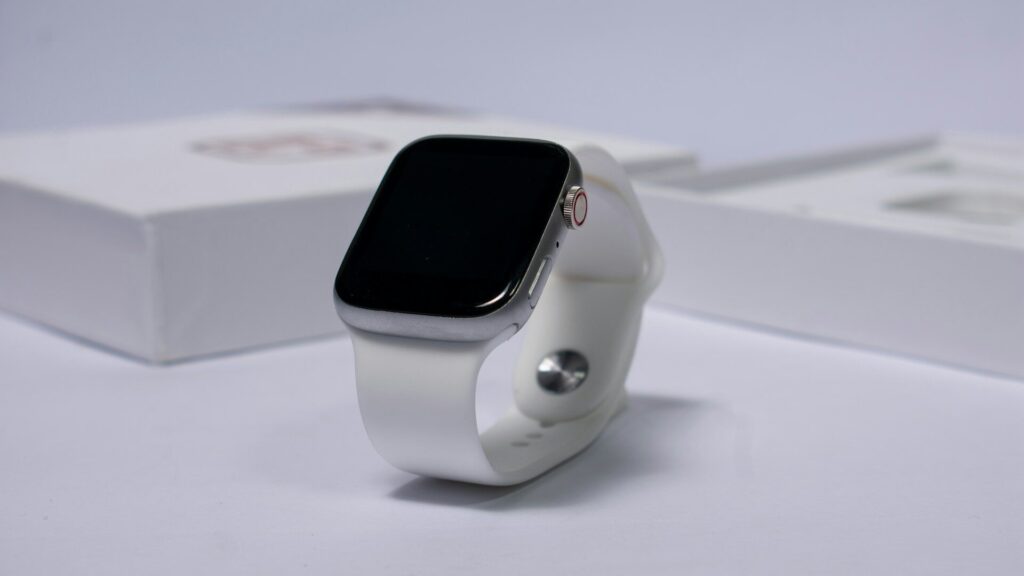
When a smartwatch keeps shutting off on its own, the usual causes are a worn battery that misreports its charge, a power-saving mode set to turn off features at a certain level, cold temperatures, a software glitch after an update, or a charging problem that leaves the battery lower than shown. Work through these in order: check the settings, restart and update, calibrate by fully charging, and contact support if it still shuts down.
Common Causes
| Cause | Clue | Fix |
|---|---|---|
| Worn battery | Shuts off at 20 to 40 percent, older watch | Battery service or replacement |
| Power saving mode | Turns into a basic time display at a set level | Adjust or disable the mode |
| Cold weather | Shuts off outdoors in winter | Keep it under a sleeve, warm it up |
| Software glitch | Started after an update or new app | Restart, update, remove the app |
| Charging issue | Never reaches full or charges slowly | Clean contacts, try another charger |
Step-by-Step Fixes
- Check power settings: look for low-power, battery saver or time-only modes that switch on automatically.
- Restart the watch: a restart clears many temporary bugs.
- Update software: install the latest watch and phone app updates with the watch on its charger.
- Remove recent apps or watch faces: a misbehaving app can crash the system.
- Charge fully: charge to 100 percent, then use it normally to let the battery reading recalibrate.
- Clean the charging contacts: see how to clean charging contacts.
Cold Weather Shutdowns
In freezing temperatures, lithium batteries cannot deliver as much power, and a watch showing 30 percent may suddenly shut off. Warming the watch usually brings it back with the charge intact. Wear it under your sleeve on winter runs and start with a full battery. Read how hot and cold weather affects your smartwatch for more.
Signs of a Worn Battery
Batteries lose capacity with age. If your watch is a few years old, drops from 40 percent to zero quickly, or the battery health reading is low, a battery service is likely needed. Many makers offer battery replacement for a fee. Habits that slow battery aging are in how to extend your smartwatch battery lifespan.
When It Shuts Off and Will Not Turn Back On
If the watch shuts off and stays off, place it on the charger for 30 minutes, then try a forced restart. If it cycles between the logo and black screen, follow smartwatch stuck on the logo screen. If it will not charge at all, see smartwatch won’t charge.
Contacting Support
Before contacting support, note when the shutdowns happen, the battery level at the time and any recent updates. This helps the support team decide between a software fix and a battery or hardware service. If the watch is under warranty and shows no physical or water damage, a battery fault is often covered.
Final Thoughts
Check power settings, restart and update, charge fully and clean the contacts. Cold weather shutdowns are temporary; frequent shutdowns at mid-level charge on an older watch point to a worn battery.
FAQs
Why does my smartwatch die at 30 percent?
A worn battery or cold temperatures are common causes.
Can a software update fix random shutdowns?
Yes, if the cause is a software bug. Install updates on the charger.
How do I check my smartwatch battery health?
Some watches show it in battery settings. Others need the maker’s support app.
Write Your Review
No reviews yet. Be the first to share your experience!